Best Trainerize Alternatives 2026: Find Your Fit
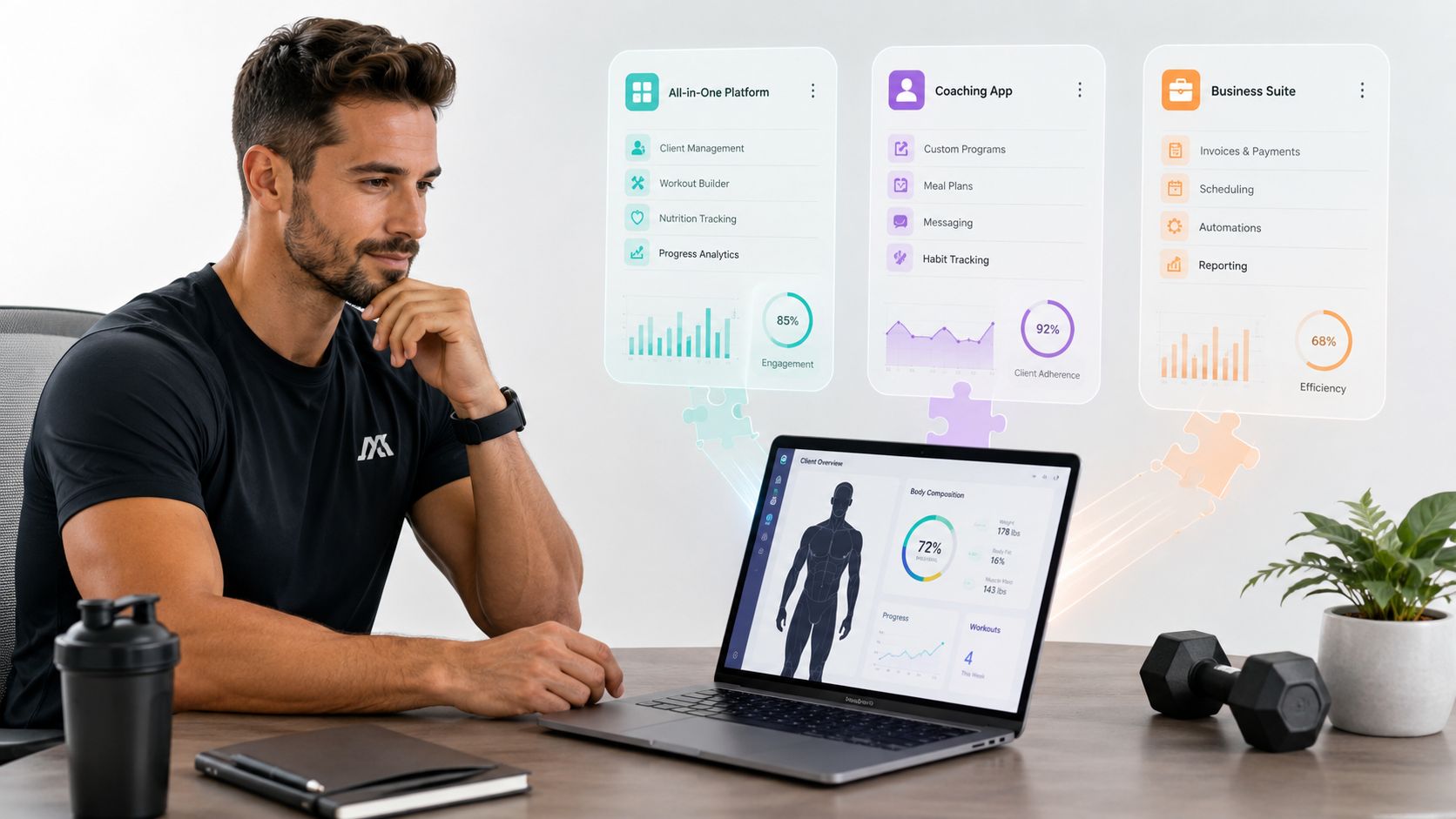
Is your coaching software holding your business back? You signed up for a platform that promised to make running your business easier. For a while, it did. But then things changed. Maybe the company got acquired, prices shifted, support slowed down, and you started wondering whether you were paying more for a worse day-to-day experience.
Or maybe the problem is simpler. The app feels clunky, clients stop logging after the first couple of weeks, and you end up back in DMs, notes apps, and spreadsheets just to keep things moving. That's not a small annoyance. It's operational drag, and it chips away at retention, delivery quality, and your own bandwidth.
Trainerize is still one of the biggest names in the category, and it clearly serves a wide range of business sizes. Its published 2026 pricing structure runs from a free plan for 1 coaching client up to studio tiers designed for much larger operations, with support for online businesses scaling to 5,000 active clients on the top studio tier, according to ABC Trainerize's company overview. But scale on paper doesn't answer the question most independent coaches care about. Will this platform stay reliable, predictable, and easy for clients to use as your business grows?
Table of Contents
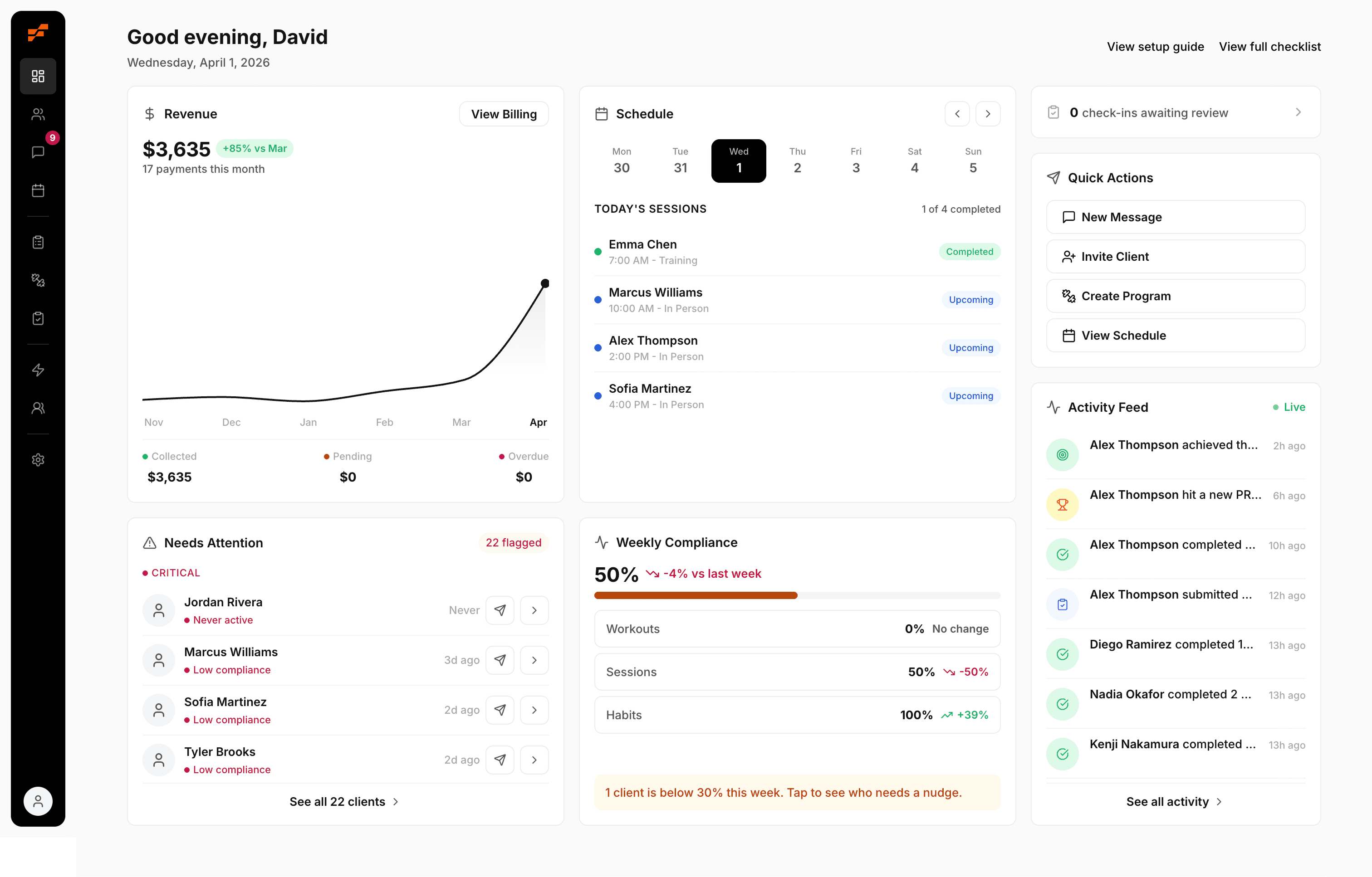
1. FitCentral
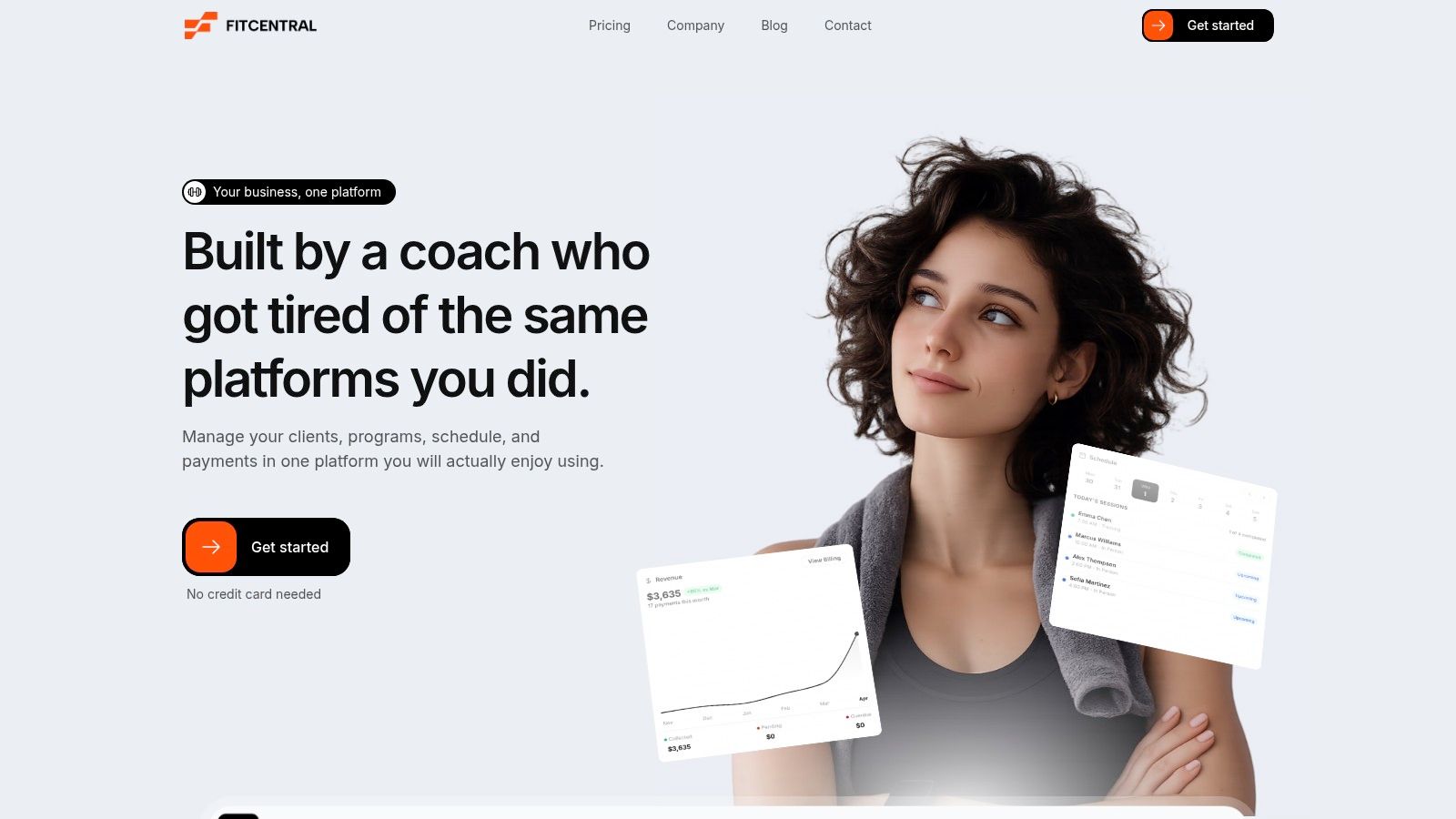
A lot of coaches hit the same wall with Trainerize. Programming lives in one part of the app, payments somewhere else, booking in another tool, and client follow-up depends on how many tabs you can tolerate before the day gets away from you. If that sounds familiar, FitCentral is the cleanest switch in this comparison.
The difference is operational. FitCentral gives you programming, scheduling, messaging, progress tracking, nutrition logging, habits, community, and payments in one system, so the weekly coaching routine stays in one place. That matters if you're auditing platforms after dealing with price changes, ownership changes, or software that kept adding layers without making the core workflow easier to run.
Trainerize has pushed hard into progress review and compliance tracking. Its help documentation shows workout stats syncing after sessions and a heavier emphasis on measurable client activity through dashboards and progress data, as explained in the Trainerize help center on workout stats tracking. FitCentral keeps that same accountability mindset, but the product feels tighter to manage day to day.
Why FitCentral stands out
FitCentral is built around the actual handoffs that create admin drag for coaches. You can assign programs with sets, reps, tempo, and rest, and clients can log each set from the app while seeing previous performance and using built-in rest timers. Notes, conversations, photos, metrics, and check-ins live in the same client record, which cuts down on context switching.
The business tools are practical too. Automated reminders reduce no-shows and missed tasks. Self-serve booking cuts out receptionist work. Payments run through Stripe or Square, so you do not need a separate billing setup just to get paid on time.
Nutrition is another area where the platform feels aligned with how coaching is sold now. If your service includes training plus habit and food accountability, it helps to review what matters in a dedicated nutrition coach app instead of trying to force that workflow into a workout-first product.
Practical rule: If a platform makes you maintain a second workflow outside the app, it isn't saving you time. It's just moving the mess.
Pricing is also easier to audit than a lot of competitors in this category. It's $29 per month for the coach plus $1 per month per active client, with no contract lock-in and no confusing tier jump once you need basic business functions. For coaches who have already been burned by platform acquisitions or surprise pricing changes, that predictability is a real advantage.
Best fit
FitCentral makes the most sense for solo coaches and small studios that want one system to run delivery and operations. Co-founder David Spitdowski is a practicing personal trainer, and that shows in the product choices. The platform feels shaped by someone who has dealt with missed bookings, client follow-up, and late payments, not just feature requests on a roadmap.
Pros
Built by a practicing trainer: Product decisions reflect real coaching workflow problems.
Strong daily usability: Programming, messaging, scheduling, payments, and progress tracking sit in one organized system.
Clear pricing: $29 per month for the coach, plus $1 per month per active client.
Useful engagement tools: Rest timers, past performance, habit tracking, groups, and challenges help clients stay active in the app.
Cons
App onboarding required: Clients need to download the app to log workouts and check-ins.
Per-client pricing increases as your roster grows: Fair for many independents, but still worth modeling before you scale.
Not aimed at enterprise gyms: It fits independent coaches and small teams better than large multi-location operations.
2. TrueCoach
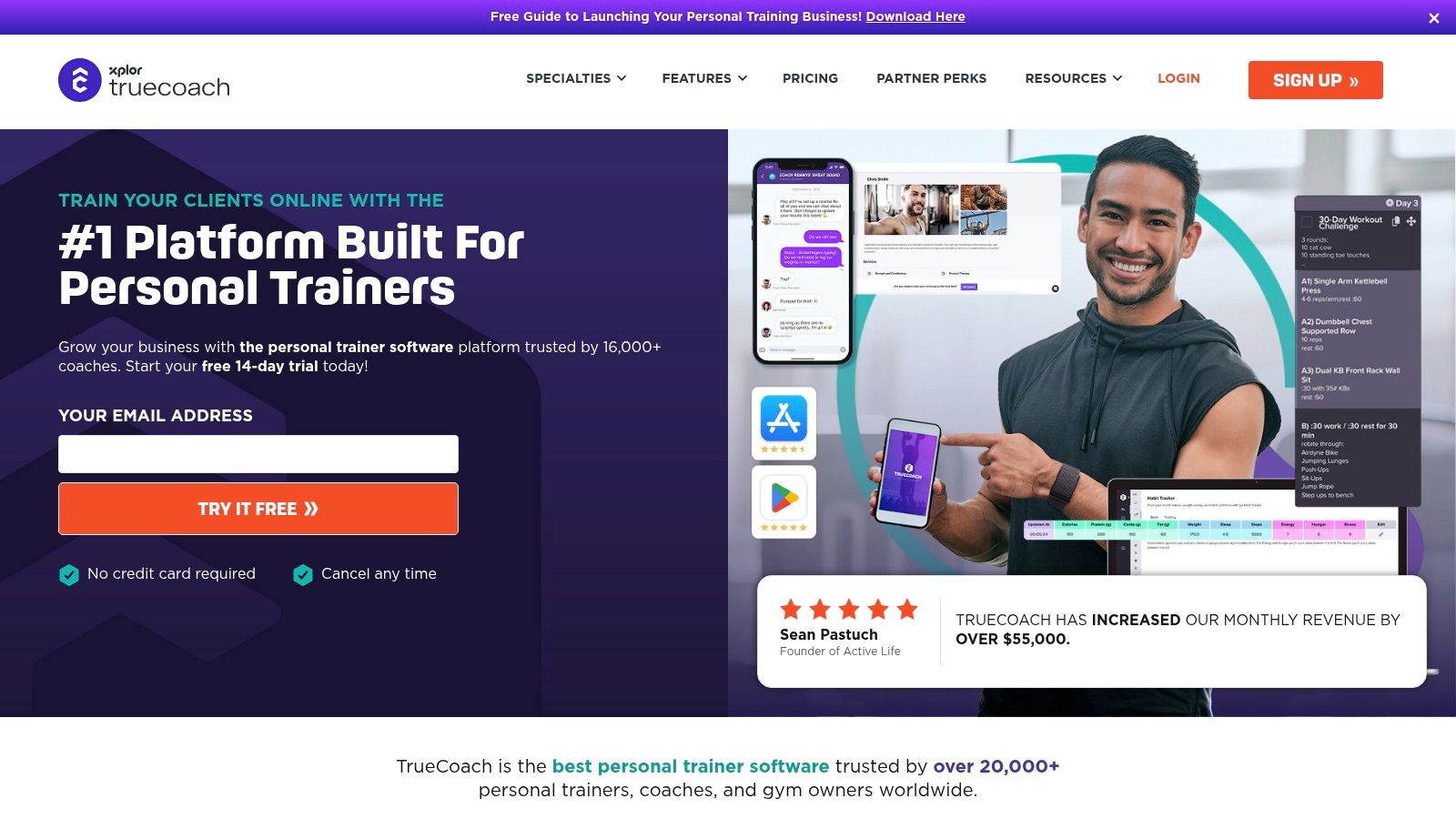
Some coaches don't need a huge operations stack. They need to write training fast, deliver it cleanly, and keep weekly check-ins simple. That's where TrueCoach usually lands well. The workout builder is known for speed, the client app is polished, and the whole setup tends to suit coaches who care most about training delivery rather than business management depth.
If your current frustration with Trainerize is that it feels heavier than your service model, this is a reasonable direction. You still get messaging, progress tracking, and a strong exercise demo library. On higher tiers, wearable integrations and automation options add useful convenience without turning the platform into a full back-office system.
Where it works well
This is a good fit for coaches whose workflow is mostly program design and accountability. If your clients are used to structured training blocks, video demos, and straightforward check-ins, the experience tends to be easy to follow.
The trade-off is on the business side. Team tools are lighter, nutrition is not especially deep, and in-app billing includes a processing fee. That may not bother you if payments happen elsewhere, but it matters if you want one system to own revenue collection too.
Keep this simple. If programming is the center of your offer, pick the tool that makes writing and logging sessions frictionless. If scheduling, payments, and onboarding eat your week, look elsewhere.
For a broader look at what coaches tend to compare in this category, this roundup of personal trainer apps is a useful companion.
You can visit the platform on the TrueCoach website.
3. Everfit
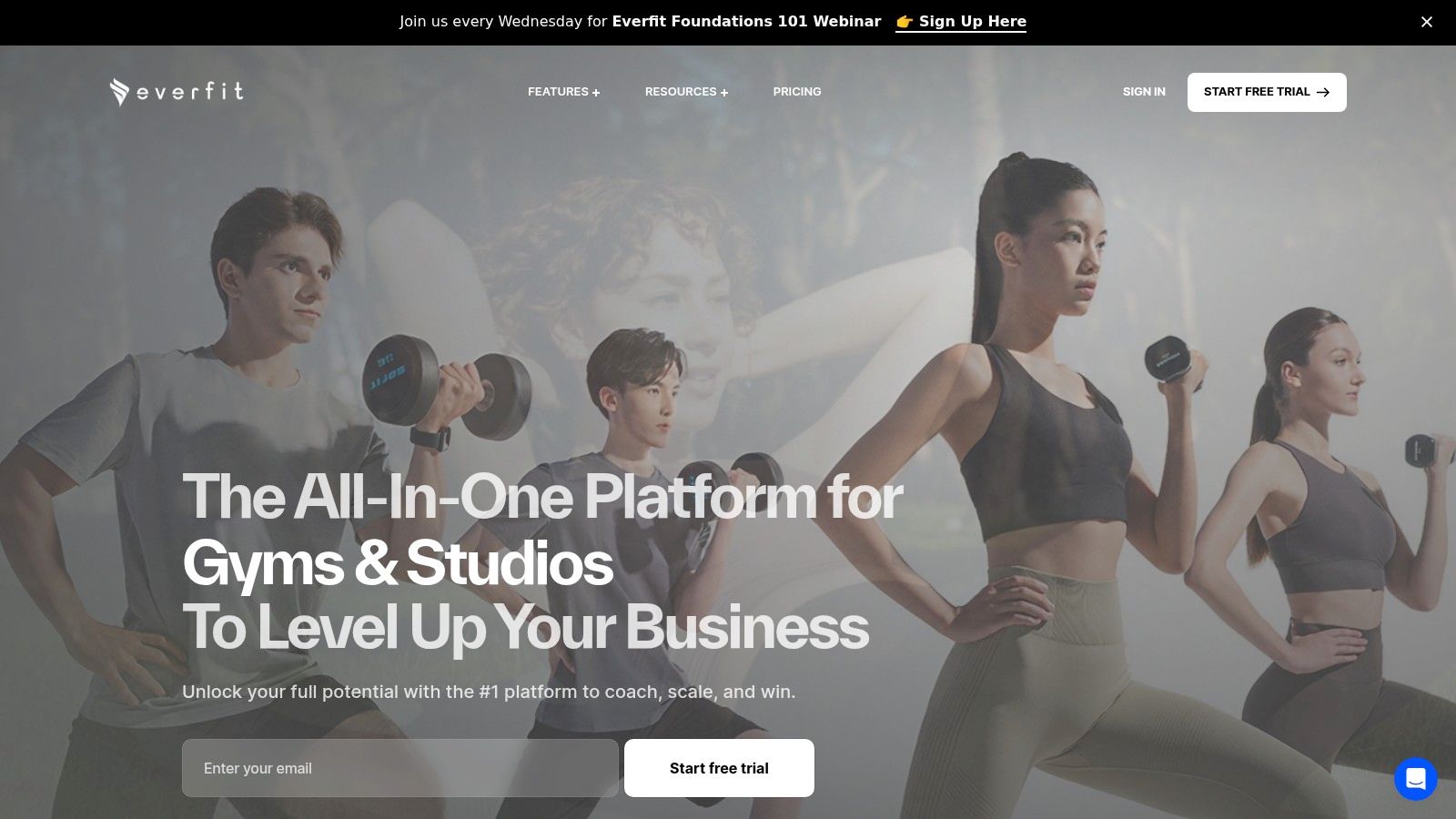
Everfit makes a strong case if your coaching model leans heavily on habits, check-ins, nutrition logging, and automated touchpoints. It feels modern, and for many coaches the mobile experience is one of the main reasons they shortlist it.
Compared with Trainerize, the big appeal is flexibility without feeling as tied to legacy product sprawl. Habit coaching, reminders, forms, food journaling, macro tracking, group messaging, and community features are all useful if your service goes beyond lifting plans. The optional add-ons can also help if you want to sell packages or on-demand content.
What coaches usually like
The biggest plus is that it scales in a way that often feels easier to forecast. If you've dealt with unclear pricing layers before, that matters. For coaches building hybrid offers, subscription products, or small groups, the packaging side can be attractive.
The caution is that some of the stronger business features sit behind add-ons. That's not automatically bad, but it means you need to price your stack based on what you'll use, not the headline plan. Nutrition support is useful for journaling and macros, but coaches who need deeper nutrition workflows may still want more.
A lot of Trainerize-focused content talks about features, profiles, and packages. The bigger question is whether clients will keep using the app after the novelty wears off. Research on health coaching points toward self-efficacy and supportive alliance as key ingredients, not just information delivery, according to this health coaching review in PubMed Central. That's why habit and communication design matter as much as the workout builder.
If nutrition coaching is a major part of your offer, this guide to nutrition coach apps is worth reading alongside your platform shortlist.
You can explore it on the Everfit website.
4. PT Distinction
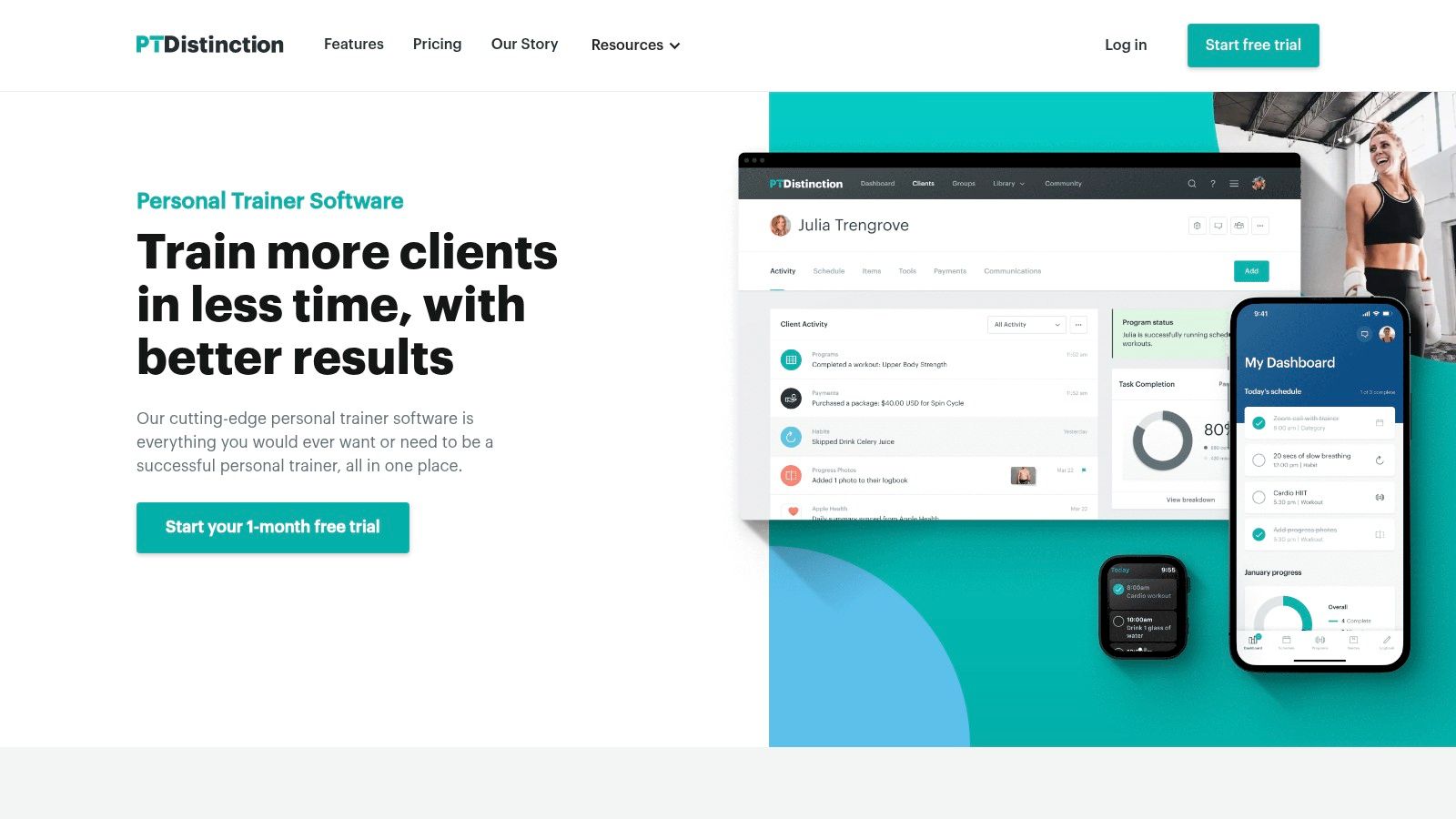
PT Distinction is for the coach who wants tighter control over automation and client flow. If you like building rules, scheduled messaging, and structured assessment paths, this one tends to stand out fast. It isn't the lightest platform to learn, but that depth is also the point.
This is a stronger match for coaches who already know their system and want software to reinforce it. Assessments, habits, groups, email and SMS scheduling, payments, and package sales can all be connected into more customized journeys. If your current platform keeps forcing manual follow-up for recurring touchpoints, that's the kind of frustration PT Distinction is designed to reduce.
Who should consider it
Coaches running a more process-driven service usually get the most value here. Think onboarding sequences, milestone prompts, recurring check-ins, and segmented communication across different offers. If that sounds like your business, the extra setup time can pay off.
The downside is the learning curve. This isn't the app I'd point a busy coach toward if they want something intuitive on day one. It also gets more expensive as client counts rise, so you need to model your costs realistically rather than assuming the entry plan tells the whole story.
Worth remembering: A powerful automation engine is only useful if you'll actually maintain it. If your systems are loose, a simpler platform often wins.
If booking and calendar friction is one of the problems you're trying to solve, this guide to gym schedule software can help you pressure-test what matters before you switch.
You can find the platform on the PT Distinction website.
5. My PT Hub
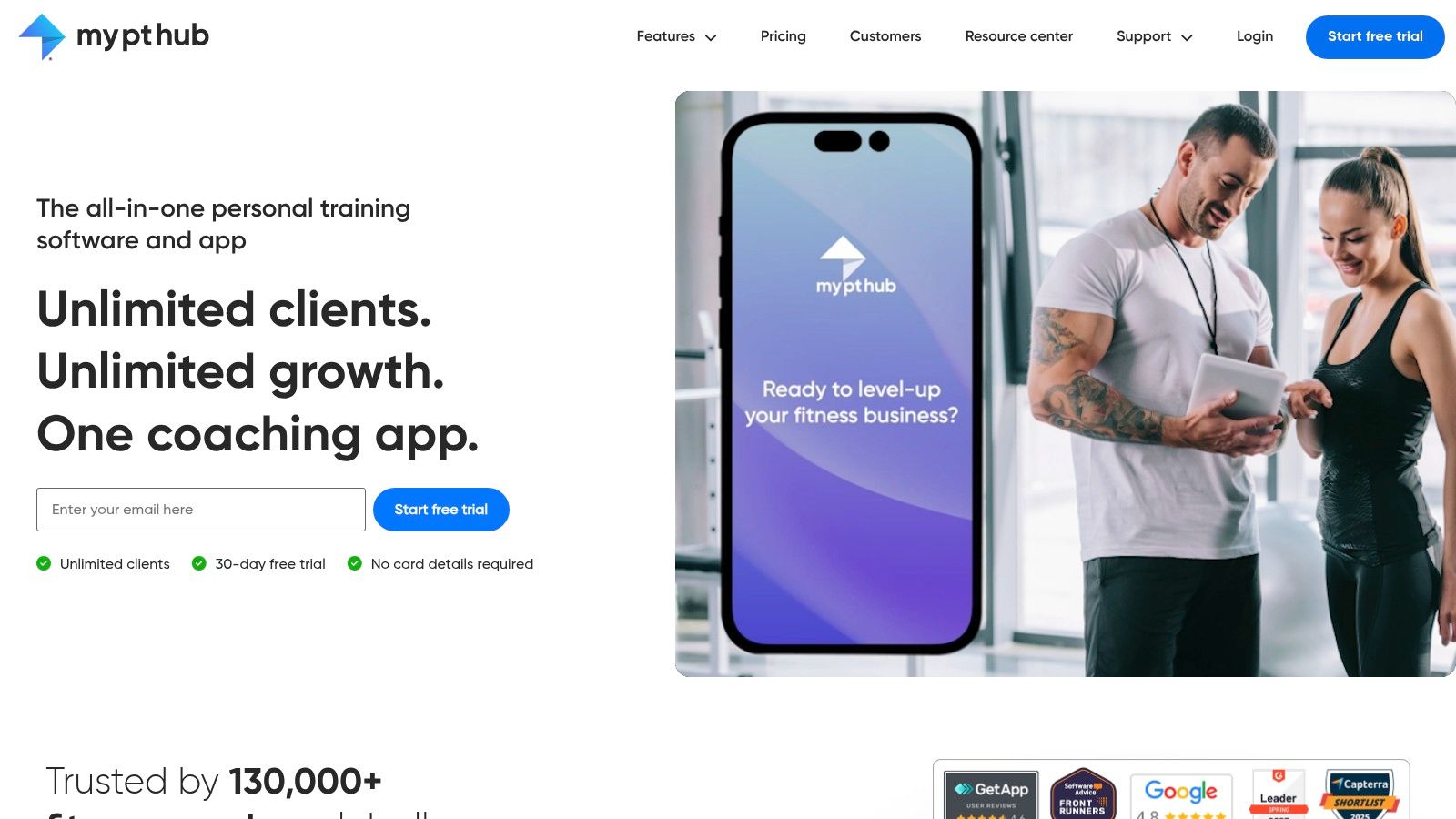
My PT Hub usually appeals to coaches who want breadth. Workouts, nutrition plans, bookings, payments, community spaces, and branding options are all on the table. If your service includes classes, groups, live streams, and a mix of one-to-one plus recurring offers, that wider toolkit can be useful.
The catch is the same one that frustrates a lot of experienced coaches across this category. The effective monthly cost often depends on the extras you end up needing. White-labeling and premium add-ons can make the price you expected feel different from the price you pay.
Where it can make sense
This can work well for hybrid trainers who need scheduling support and broader client delivery options, especially if they want room for groups and class-style services. The community and messaging side also gives you more flexibility than a pure programming-first platform.
What it doesn't solve automatically is trust. Independent commentary notes that Trainerize expanded from remote program delivery into a broader business platform after ABC Fitness acquired it in September 2020, while third-party pricing commentary describes a wide range from about $5 to $350+ per month depending on access and client volume in this independent analysis of ABC Trainerize. That's why experienced coaches keep asking the same question across multiple tools: not just what it can do, but whether the economics and support stay dependable as the business grows.
If onboarding is where your current system breaks down, this client onboarding software guide is a useful way to compare what matters before migrating.
You can review the product on the My PT Hub website.
6. TrainHeroic
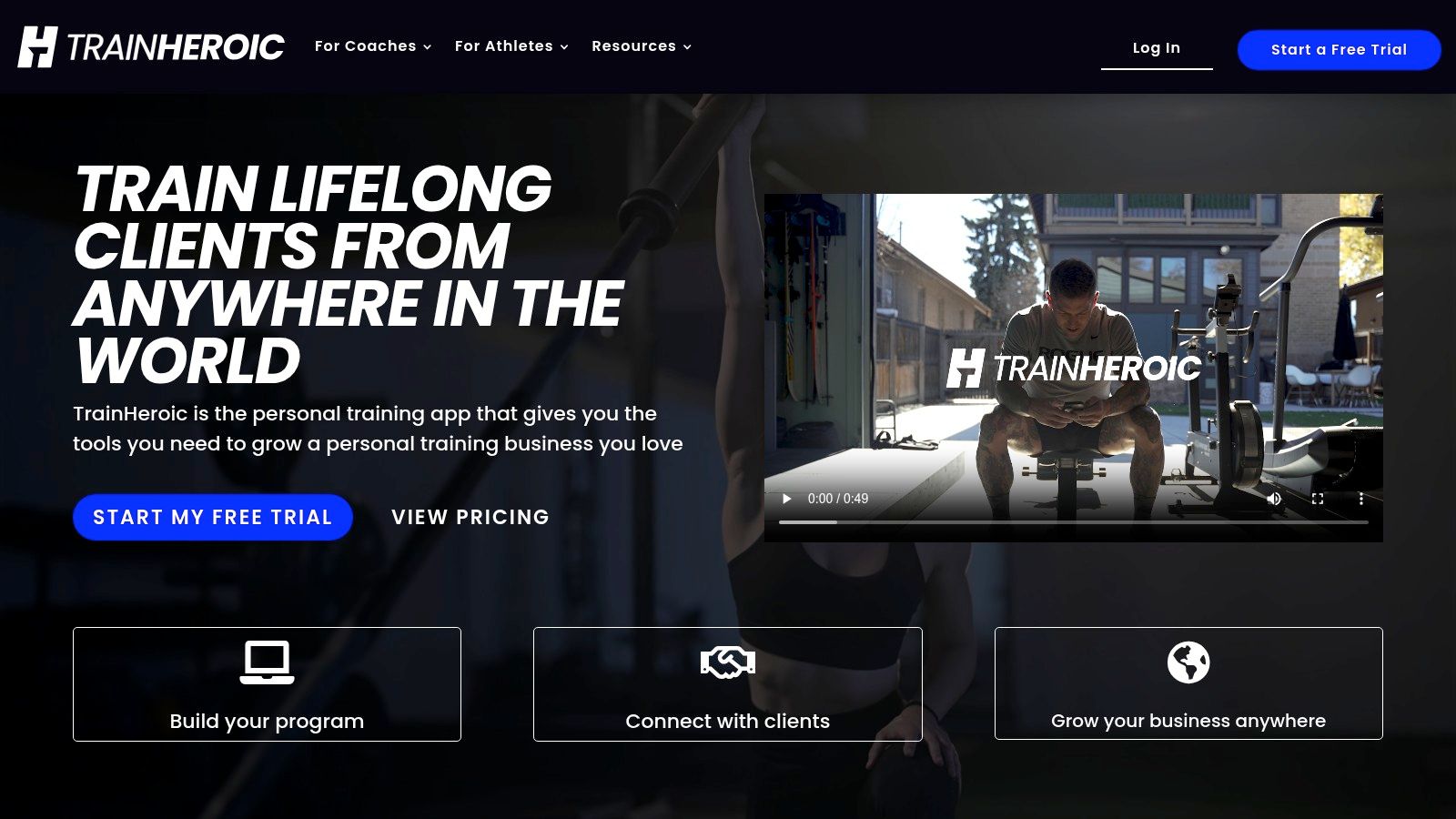
TrainHeroic is the specialist pick in this list. If you coach strength athletes, teams, or performance-focused general population clients, the training-day experience is usually the reason to choose it. The logging flow is built around lifting, templates, and structured programming rather than broader business management.
That narrower focus is a strength if your clients care about training quality first. It's less compelling if you want deeper nutrition coaching, habits, booking, or a fuller CRM-style setup.
Best use case
This is a strong option for strength and conditioning coaches with repeatable programming systems. The athlete-seat model and Marketplace angle can also make sense if you want to sell templated programs alongside coaching.
The trade-off is obvious. You may still need other tools for operations. If your current issue with Trainerize is that the business side feels messy or overpriced, moving to a platform that is mainly excellent at training delivery won't solve everything.
The market itself is still growing, which is part of why more specialized tools keep carving out space. Independent market research estimates the personal training software market at USD 1.8 billion in 2024, rising to USD 1.86 billion in 2025 and projected to reach USD 2.45 billion by 2033, with North America as the dominant region and Europe the fastest-growing, according to Straits Research on the personal training software market.
For coaches building a business around recurring programming offers, this personal training home business guide can help you think through whether your software should prioritize athlete experience or full business operations.
You can explore it on the TrainHeroic coach website.
7. WeStrive
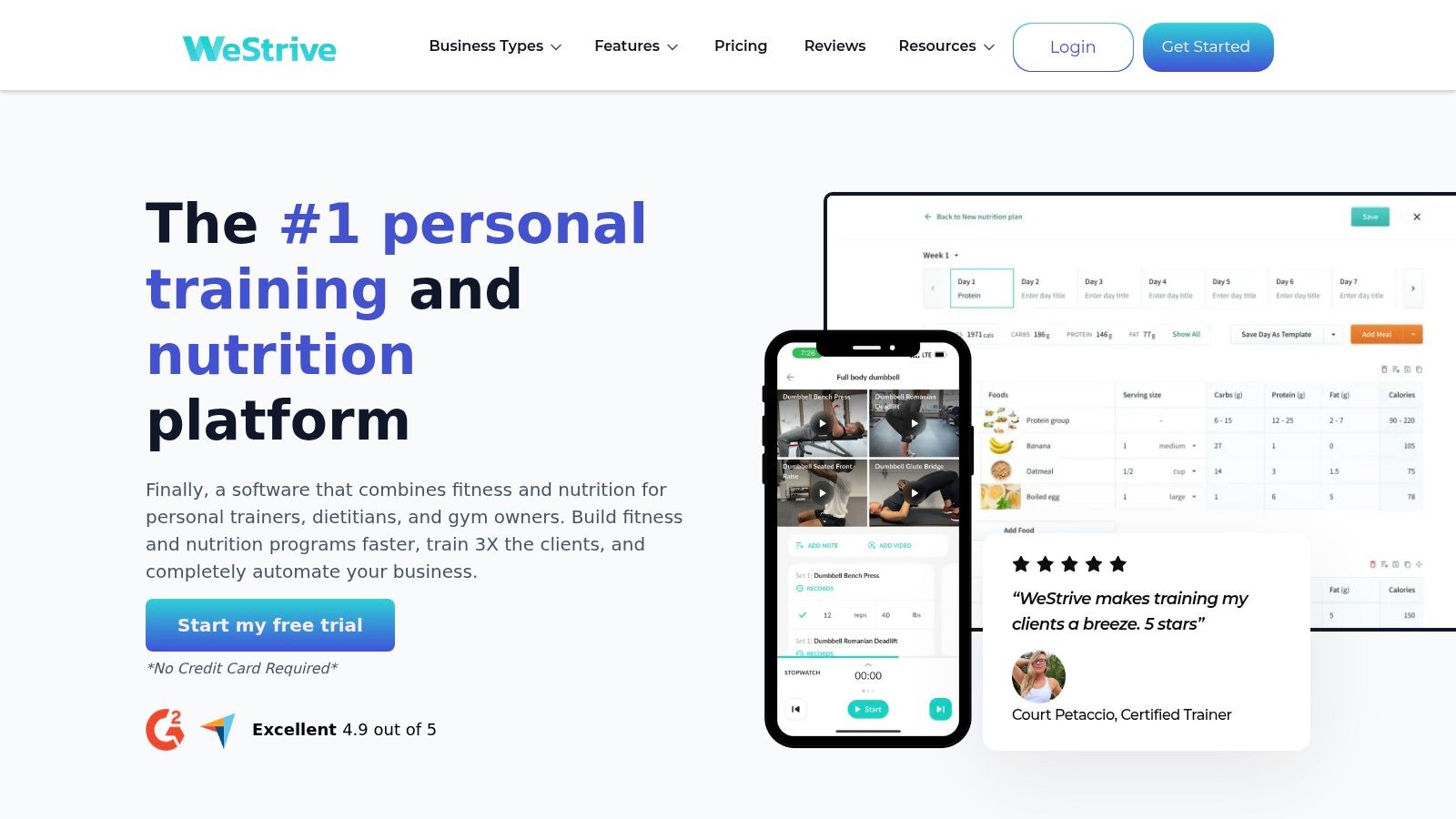
WeStrive is the budget-conscious option for coaches who want to get out of spreadsheets without jumping straight into a heavier system. It covers the basics well: workout builder, messaging, progress tracking, nutrition support, and a clear upgrade path as client count grows.
That makes it appealing for newer coaches and for established trainers testing a lower-cost stack for a secondary offer. The free website and integrated payment support also help if you want fewer moving parts while you're building.
Why coaches pick it
The main reason is straightforward pricing structure around roster growth. If you only have a small client base, paying for enterprise-style depth you won't use is a waste. WeStrive gives you enough to coach professionally without asking you to adopt a huge system on day one.
The limitation is sophistication. You won't get the same level of advanced automation or polished operational depth that you'll find in higher-end tools. That may be fine if your service is simple. It becomes a constraint if you're running more layered accountability, multi-step onboarding, or broad hybrid offers.
One more lens matters here. AI is already part of many coaching workflows. ABC Trainerize's 2026 industry report says 64% of personal trainers already use AI regularly, and among those users the top uses are marketing and content creation, nutrition planning, workout and program building, automated admin and communications, and analytics and insights in this ABC Trainerize report on how AI is changing personal training. Even if you don't want your coaching voice outsourced, the practical takeaway is clear: your platform should reduce repetitive admin and help you act on client data faster.
You can review WeStrive on the WeStrive website.
Trainerize vs 7 Competitors: Quick Feature Comparison
Platform | Implementation Complexity 🔄 | Resource Requirements ⚡ | Expected Outcomes ⭐📊 | Ideal Use Cases 💡 | Key Advantages ⭐ |
|---|---|---|---|---|---|
FitCentral | Low, coach-centric UI, quick setup; clients must install app | Moderate, $29/mo coach + $1/active client; Stripe/Square support | ⭐ High client engagement; fewer no-shows and organized workflows | Solo and small-studio trainers (5–50 clients) | Built by an active trainer; all-in-one workflow; transparent pricing |
TrueCoach | Low–Medium, fast workout builder; higher-tier integrations add steps | Moderate, per-client plans; 5% fee if billing in-app on some plans | ⭐ Polished programming speed and client UX; wearable data on higher tiers | Coaches focused on programming, demos, and weekly check-ins | Fast program builder; strong mobile experience; wearable integrations |
Everfit | Low, modern UI; some capabilities require add-ons | Predictable, per-client tiers with optional paid add-ons (payments, automations) | ⭐ Good habit & nutrition logging; scalable as roster grows | Coaches emphasizing habit coaching, basic nutrition, and groups | Autoflow automations; clear pricing steps; subscription/package support |
PT Distinction | High, deep rules/automation and feature depth; learning curve | Variable, low-entry client caps; overages and tiered branding costs | ⭐ Strong time savings via automation; detailed client flows | Coaches needing advanced automations and custom workflows | Robust automation engine; email/SMS workflows; branded apps on higher tiers |
My PT Hub | Medium, broad feature set; many add-ons can increase setup | Higher, Premium needed for unlimited clients; add-ons for white-label/AI | ⭐ Comprehensive operations support; good scheduling and community features | Hybrid trainers running classes, bookings, and branded experiences | Unlimited clients on Premium; extensive scheduling & white-label options |
TrainHeroic | Low–Medium, streamlined for strength workflows; coach-oriented UX | Scales well, athlete-seat pricing; marketplace revenue potential | ⭐ Optimized training-day logging and program delivery for strength | S&C coaches, teams, and strength-focused programs | Athlete-seat pricing; strong periodization tools; public marketplace |
WeStrive | Low, simple onboarding and basic automations | Low, per-band pricing with very low cost for 2–15 clients; free website | ⭐ Cost-effective entry with core programming and tracking | New trainers building a roster on a tight budget | Very low entry cost; clear upgrade path; free site and payments included |
How to Choose Your Platform Audit Checklist
A platform switch usually happens after the same week repeats a few too many times. A client misses a check-in because the app buried the notification. Billing needs a manual fix. You answer support tickets with your own workaround because waiting on the platform costs more than solving it yourself.
That is the cost of staying put. It rarely shows up as one big failure. It shows up as extra admin, slower delivery, and clients feeling more friction than your service deserves.
Start with your actual coaching week, not a polished demo account. Write down the three to five actions you repeat most: building programs, checking adherence, replying to messages, booking sessions, taking payments, reviewing progress. Then score your current platform from 1 to 5 on each task. Coaches who do this accurately usually see the problem fast.
Audit your current setup
Map your core workflows: List the tasks you repeat every week and rate how well your current platform handles each one.
Calculate your real cost: Include subscription fees, payment processing, per-client charges, and any add-ons you rely on.
Audit the client experience: Ask a few trusted clients where the app feels confusing, annoying, or easy to ignore.
Test support before you buy: Send each company on your shortlist a real question. Judge the reply like a paying customer would.
Check migration pain: Look at how hard it will be to move programs, habits, files, check-ins, and billing without creating a mess.
If you are comparing FitCentral and Trainerize specifically, use a simple filter. Trainerize works for coaches who want a broad platform and can tolerate more moving parts. FitCentral will appeal more to coaches who are tired of ownership changes, surprise pricing shifts, and patchwork workflows, and want a tighter system with fewer headaches day to day.
Pick the platform that removes work from your week.
Do not migrate everyone at once. Trial the platform that best fits your highest-friction workflows, then move two or three new clients, or current clients who are comfortable with tech. Run your normal process inside it for a week. Program sessions, collect a payment, send a check-in, review progress, and contact support once. That test tells you more than any sales call.
If you are done with creeping costs, slower support, and a setup that still depends on spreadsheets to stay organized, FitCentral is worth a serious look. Start small, pressure-test it with real clients, and judge it the same way you should judge any coaching software. By how reliably it helps you coach.
See also

Ready to stop fighting your software?
FitCentral gives you everything you need to manage clients, deliver results, and grow your business. Sign up today.