Best Personal Trainer App: A Coach's Guide for 2026
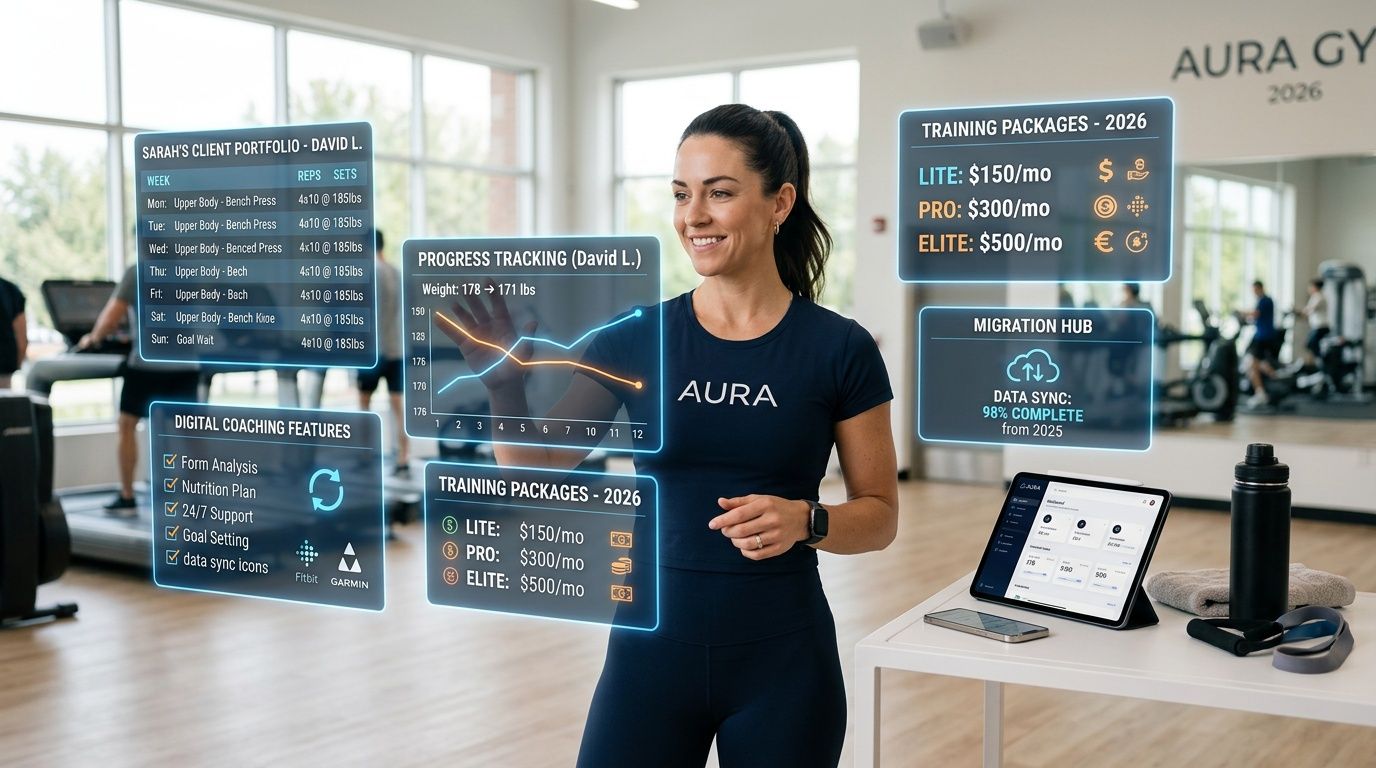
A client texts you at 5:42 a.m. because their workout won’t load. At 8:10 a.m., you get an email saying your software bill is changing next cycle. By lunch, you’re answering a support reply that clearly came from someone who’s never coached a client in their life.
That’s usually when the search for the best personal trainer app starts.
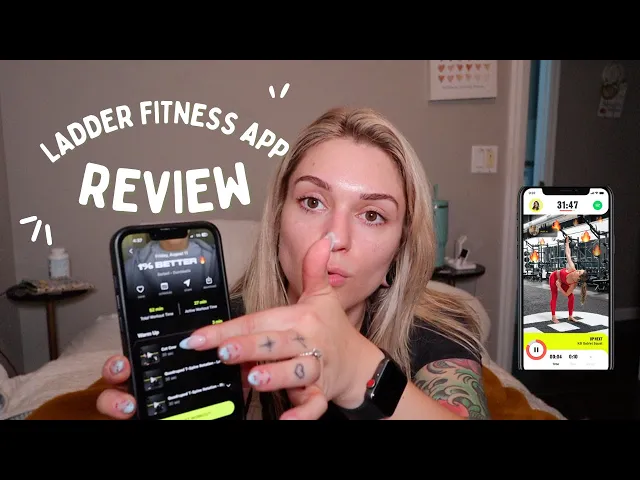
The problem is that most “best app” lists don’t mean best for a coach running a business. They mean best for consumers who want workout ideas, step counts, or a shiny home screen. In January 2026, Strava was the most downloaded fitness tracker app worldwide with nearly 4 million downloads, according to Statista’s fitness app download data. That tells you plenty about the size of the market, and almost nothing about which platform helps you coach, collect payments, manage check-ins, and keep a roster running without daily friction.
If you’re a solo trainer managing your own clients, “best” has to mean something more practical. It has to mean reliable, clear on pricing, easy for clients to use, and backed by people who don’t disappear when something breaks.
Table of Contents
Why Your Search for the Best Trainer App Is Frustrating
The word best is doing too much work
A platform is not just software
The Core Features of a True Coaching Platform
What has to work every day
Core feature audit checklist
The features that quietly save your week
Decoding Pricing Models and Contract Red Flags
What pricing pages hide
Questions to ask before you sign anything
Pay attention to advanced features too
Why the People Behind the Platform Matter
Investor logic versus coach logic
How to judge a team before you trust the product
A 7-Step Checklist for a Painless Platform Migration
Your Next Step Within 24 Hours
Why Your Search for the Best Trainer App Is Frustrating
If your searches keep showing you calorie trackers, follow-along workouts, and apps built for gym members, you’re not missing something. The market is.
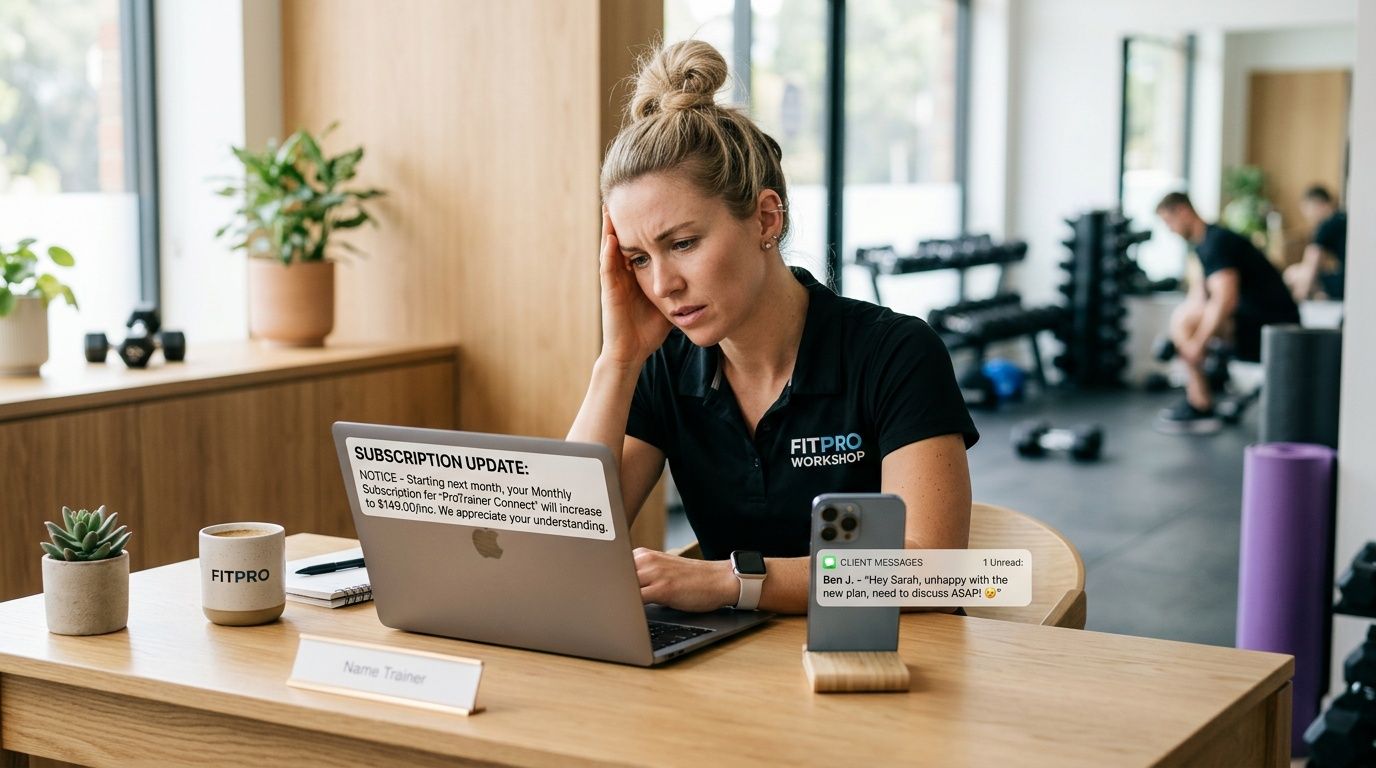
A working coach doesn’t need another consumer fitness app. A working coach needs software that can handle programming, client communication, scheduling, payments, and progress tracking without becoming another problem to manage. That gap is real. As noted in this roundup of personal trainer apps, solo personal trainers managing 5-50 clients struggle to find reliable client management platforms that integrate workout programming, scheduling, payments, and progress tracking without hidden fees or post-acquisition price hikes.
That’s why the usual search results feel off. They’re reviewing apps as if the user is a client trying to get fitter, not a coach trying to run sessions, deliver programs, chase fewer invoices, and avoid software drama.
The word best is doing too much work
Most app roundups flatten everything into a feature pile. More features, better app. That sounds nice until the basics fail.
You already know what matters when you’re coaching:
Workouts must load fast: If a client can’t open today’s session, your programming quality doesn’t matter.
Logging has to be easy: If clients have to fight the app, compliance drops and your data gets worse.
Billing can’t be awkward: You shouldn’t need a second system and a reminder in your own notes app just to get paid.
Support has to understand coaching: Generic support scripts are useless when the issue affects program delivery.
Practical rule: Don’t judge a trainer app by how much it can do. Judge it by how often it gets in your way.
A platform is not just software
This is the shift most coaches need to make. You’re not choosing a feature list. You’re choosing a business dependency.
When a platform handles your client roster, your templates, your payments, and your communication history, it stops being a simple monthly subscription. It becomes part of your operating system. If that company raises prices without warning, drags on bug fixes, or makes migration difficult, the damage hits your business first.
That’s why the best personal trainer app isn’t the loudest one. It’s the one you trust with your client experience on a random Tuesday when nothing special is happening and everything still needs to work.
The Core Features of a True Coaching Platform
A real coaching platform should save time in ways you can feel by the end of the week. If it only looks impressive in a demo, it’s not built for the job.
What has to work every day
Start with the program builder. If you coach with detail, you need more than a place to list exercises. You need sets, reps, tempo, rest, and room to coach the session properly. If the builder fights you, you’ll start simplifying programs to fit the software instead of writing what the client needs.
The client side matters just as much. Logging should be fast, clean, and obvious. Clients should see past performance without digging, and rest timers should be built into the workout flow. Friction here creates missing data, sloppy compliance, and those messages that begin with “I did the session but forgot to log it.”
Then there’s automation. This is one of the few areas where the business impact is clear. According to this breakdown of coaching app features that affect results, platform-native automated notifications maintain 70-80% client engagement, while manual reminders can lead to a 30-40% drop-off, and a coach with 30 clients can save 60-120 hours annually on admin.
That’s not a small convenience. That’s hours you get back for actual coaching.
Core feature audit checklist
Use this table on any platform you’re considering, including the one you’re on now.
Feature Category | What to Look For | Why It Matters |
|---|---|---|
Program builder | Support for sets, reps, tempo, rest, and exercise notes | Lets you coach precisely instead of dumbing down programs to fit the app |
Exercise library | Custom exercises, custom videos, and editing freedom | Keeps your coaching style intact and stops workarounds |
Client workout view | Past performance visible, rest timers built in, easy logging | Reduces friction and improves compliance |
Messaging | In-app messages tied to the client profile | Stops important context from getting buried in texts and DMs |
Check-ins | Structured check-ins with room for notes and follow-up | Makes review days faster and more consistent |
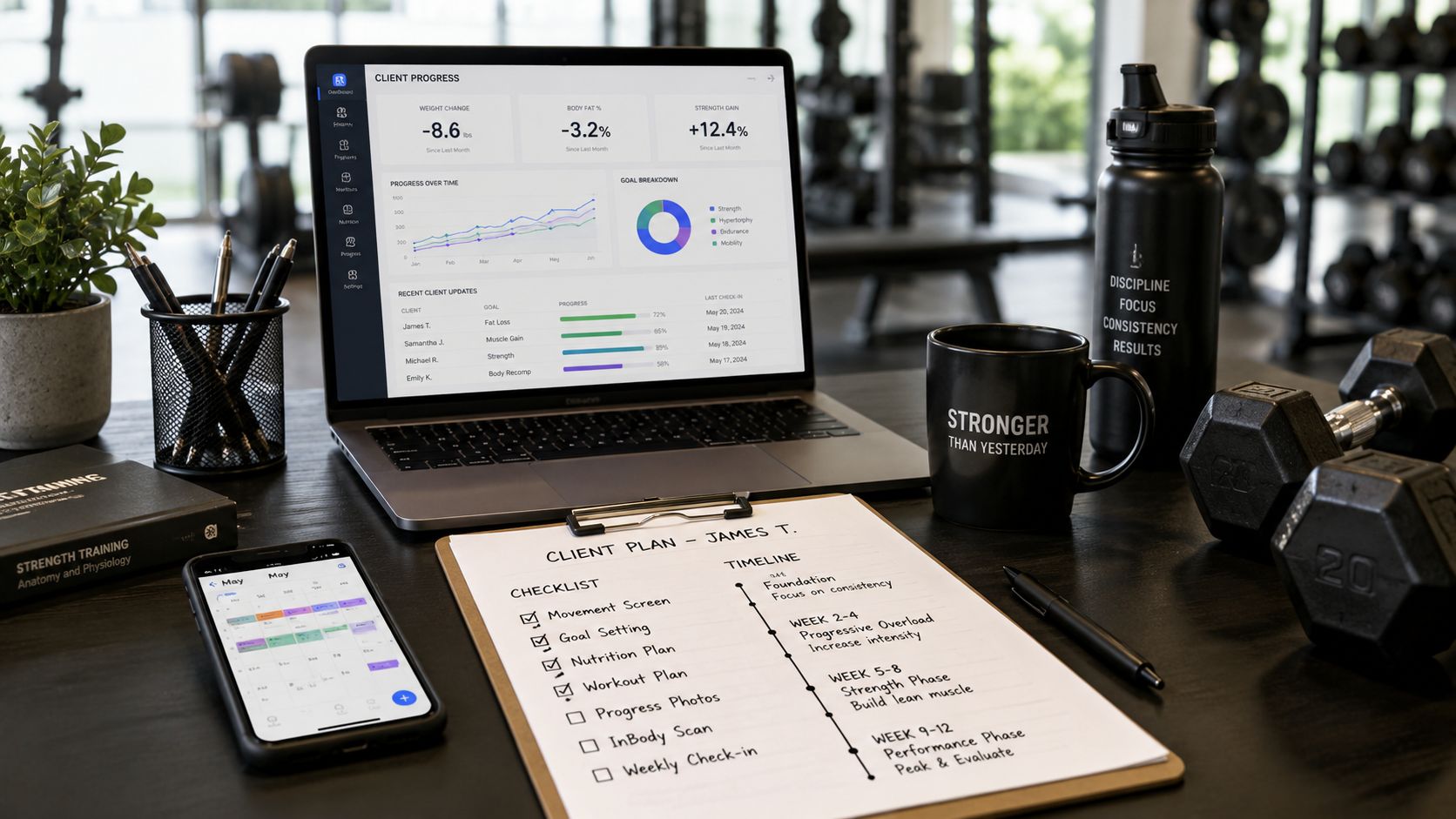
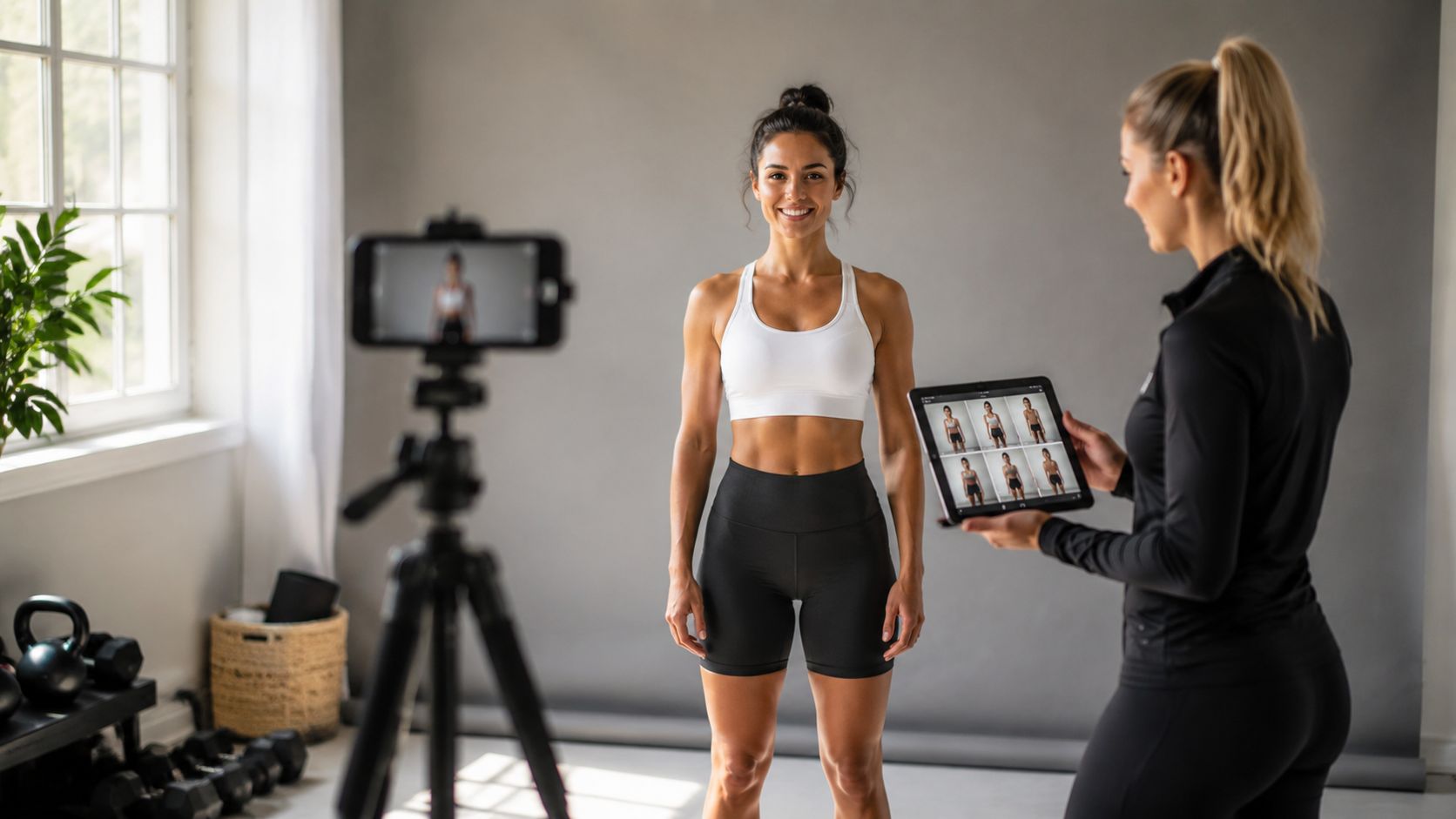
Progress tracking | Photos, body metrics, habits, and workout history in one client record | Gives you a complete picture before you adjust the plan |
Scheduling | Calendar sync, booking flow, and session visibility | Cuts admin and reduces confusion around session times |
Payments | Recurring billing inside the coaching workflow | Removes awkward follow-ups and disconnected systems |
Automation | Reminders, habit prompts, and recurring workflows | Keeps clients moving without you manually chasing them |
Group engagement | Challenges, leaderboards, or community tools | Helps maintain momentum between sessions |
A strong platform usually gets the fundamentals right before it adds extra layers. That’s what you want.
The features that quietly save your week
Some features sound boring until you’ve coached without them.
Integrated communication: Keeping messages inside the client profile means less context switching. You can review notes, progress, and the latest conversation in one place.
Check-in structure: A blank message thread is not a check-in system. You want repeatable prompts and a consistent record.
Habit and challenge tools: If you run recurring accountability work, these features matter more than another flashy dashboard. If you need ideas for running better group engagement, this list of exercise challenge ideas for coaches is a useful place to start.
Progress visibility: Good decisions come from complete records. If photos are in one app, metrics in another, and habits in a spreadsheet, review days take longer and your judgment gets noisier.
Good software should reduce decisions you shouldn’t have to make repeatedly.
The best personal trainer app for a coach is usually the one that makes the common tasks boring. Build, assign, review, message, bill, repeat. No weird workarounds. No missing pieces. No “we integrate with that” as a substitute for handling the workflow well.
Decoding Pricing Models and Contract Red Flags
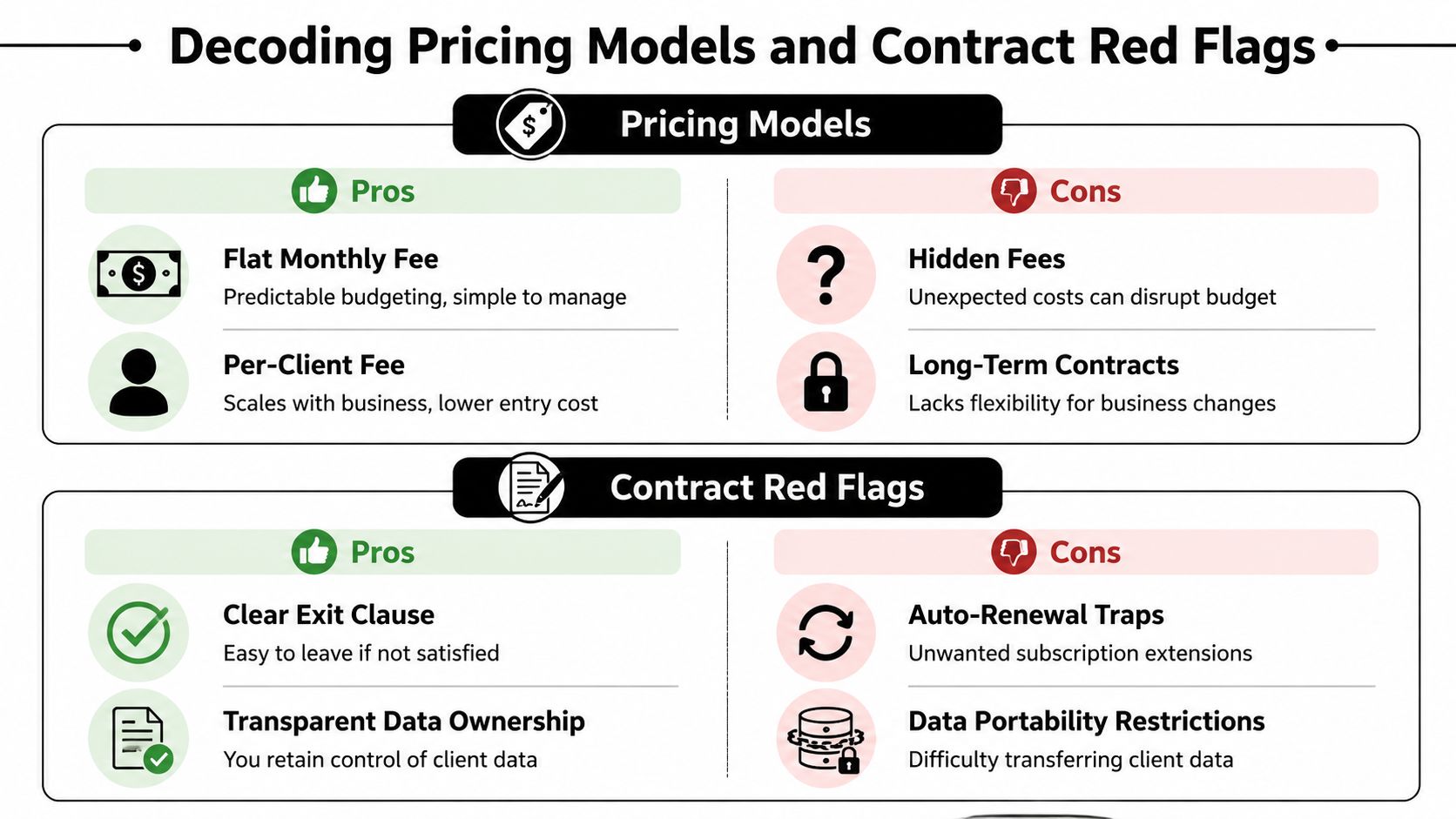
A lot of coaches shop for software like they’re buying a feature set. The smarter move is to read the pricing page like you’re reviewing a contract, because that’s what it becomes once your client roster lives inside it.
What pricing pages hide
A fixed monthly fee feels simple. Per-client pricing can feel fairer when your roster is still growing. Neither is automatically better. What matters is whether the pricing stays understandable when your business changes.
The first red flag is feature gating. If the platform advertises one monthly number but hides messaging, automations, branded assets, payments, or community tools behind upgrades, the actual price isn’t the number on the front page. The second red flag is unclear billing logic. If you can’t immediately tell what happens when you add clients, pause clients, or downgrade, expect friction later.
A third red flag gets ignored too often. Data ownership and exit terms. If you leave, can you export workouts, client records, check-in history, and progress data cleanly? Or are you going to spend a weekend copying things out by hand?
If a platform makes it easy to join and vague to leave, that’s not an accident.
There’s also the issue of lock-in after acquisition. Coaches have seen this pattern enough times to recognize it. A platform gets bought, priorities shift, support slows down, and pricing gets less friendly. By the time you react, moving feels expensive because the migration pain is real.
If you want a useful contrast, study a transparent page like FitCentral pricing for coaches. Even if you don’t choose it, that level of clarity is what you should expect from any software handling your business.
Questions to ask before you sign anything
Don’t ask “What plan is best for me?” Ask harder questions.
What features are included at the listed price
Make them say exactly which tools are included now, not which ones are “available.”
How does pricing change as my roster changes
You need the billing logic in plain English.
What happens if I want to leave
Ask about exports, timelines, and whether data leaves in a usable format.
What support do I get when something breaks
Not onboarding support. Actual support when a client can’t access a workout.
How are product changes communicated
You want to know whether updates arrive with clarity or surprise.
Pay attention to advanced features too
A platform might look cheap until you need higher-level coaching tools. Wearable integration is one example. According to this article on technology tools for personal trainers, wearable device integration with HRV tracking can reduce overtraining injuries by 15-20% in studies monitoring HRV-informed periodization. That matters if you coach fatigue, readiness, and recovery with any real precision.
If a platform treats serious integrations as an afterthought, the problem isn’t just missing data. It’s that your programming decisions become less informed right when clients need adjustments most.
Why the People Behind the Platform Matter
Most coaches learn this late. A polished app can still be a bad bet if the wrong people are building it.

Investor logic versus coach logic
Software teams reveal themselves in the small decisions. Does the app help you move through a normal coaching day, or does it feel like it was designed from a spreadsheet of “features users want”?
A team led by investors can still build good software. But investor-led products often optimize for growth metrics first. Coaches feel that later as support queues, roadmap drift, and features that look good in announcements but don’t improve daily use.
A platform shaped by people who coach tends to make different trade-offs. It usually cares more about logging flow, check-in clarity, programming speed, and whether clients understand what to do when they open the app.
The market is moving toward deeper retention tools too. As covered in Garage Gym Reviews’ roundup, trainers increasingly want community features like groups and challenges, and the hybrid fitness market has seen 35% growth in online coaching. That kind of shift matters because it changes what coaches need from software between sessions, not just during them.
How to judge a team before you trust the product
You can get a pretty good read on a platform before you ever subscribe.
Check who founded it: If the founders have real coaching experience, the product usually shows it.
Test support with a real question: Ask something specific about programming or client workflow, not billing. See if the answer sounds informed.
Look at product communication: Clear release notes and direct replies are a good sign. Silence usually isn’t.
Watch how they talk to coaches: If every message sounds like generic SaaS language, expect generic priorities.
A useful benchmark is whether the people behind the platform understand adjacent coaching work too, not just workouts. That’s one reason resources like this guide to top nutrition coaches and what they actually need from software matter. Good teams understand that coaching businesses rarely stay inside one narrow lane.
Here’s a good way to sanity check the team before you commit.
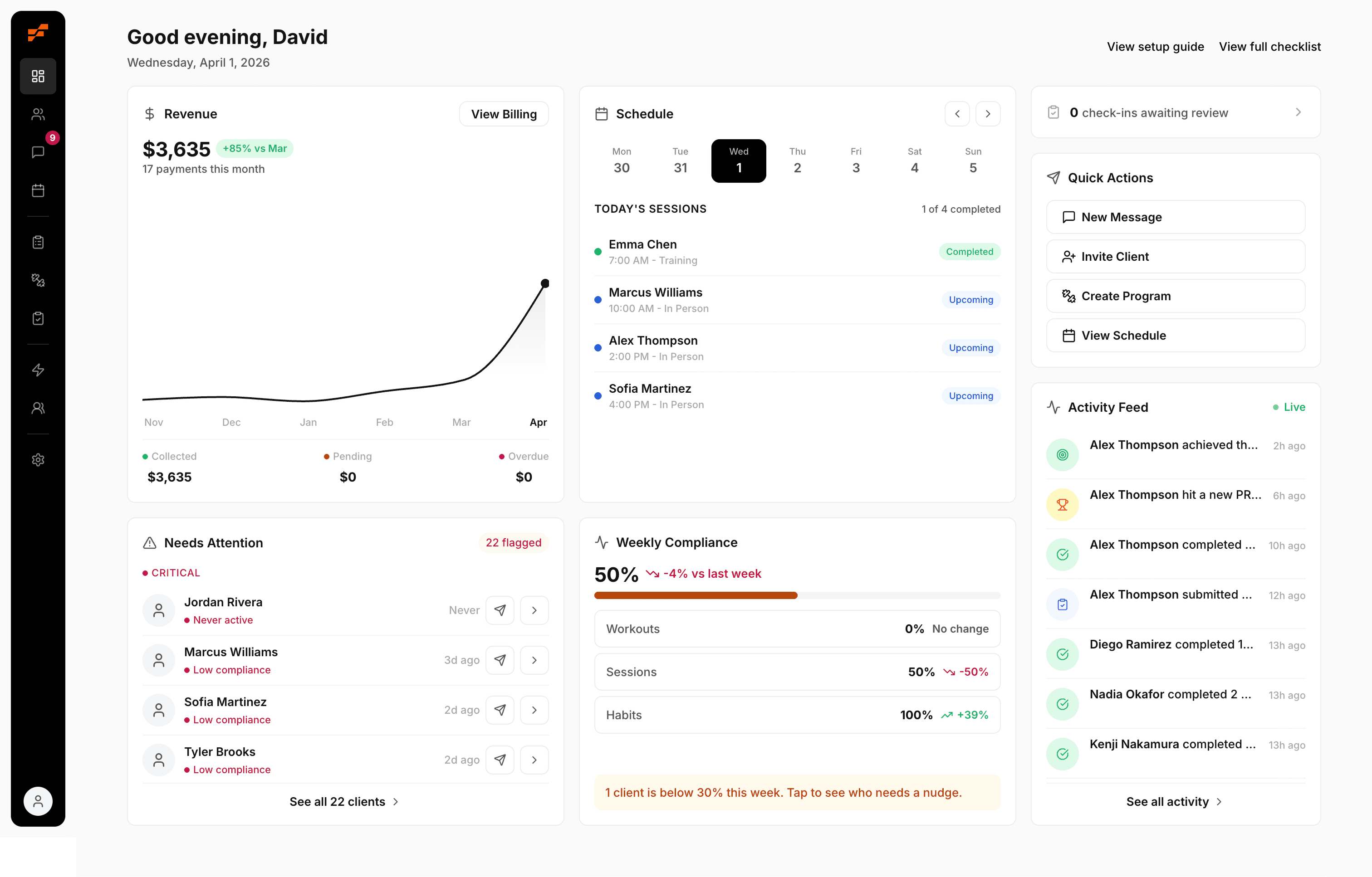
David Spitdowski, Co-Founder of FitCentral, is also a practicing personal trainer. That matters. Not because founder stories are impressive, but because working coaches build different products. They notice the friction points that scripted demos skip. They know what it means when support delays affect real client sessions. If you’ve been burned by buggy apps, rising prices, or feedback that vanished into a black hole, the background of the team isn’t a side issue. It’s part of the product.
Pick the app, then pick the people. If the people aren’t right, the app won’t stay right for long.
A 7-Step Checklist for a Painless Platform Migration
A bad migration usually starts the same way. You sign the new platform, tell yourself you’ll sort the details later, then spend two weeks chasing missing client notes, rebuilding forms by hand, and answering messages from confused clients who now have two apps on their phone.
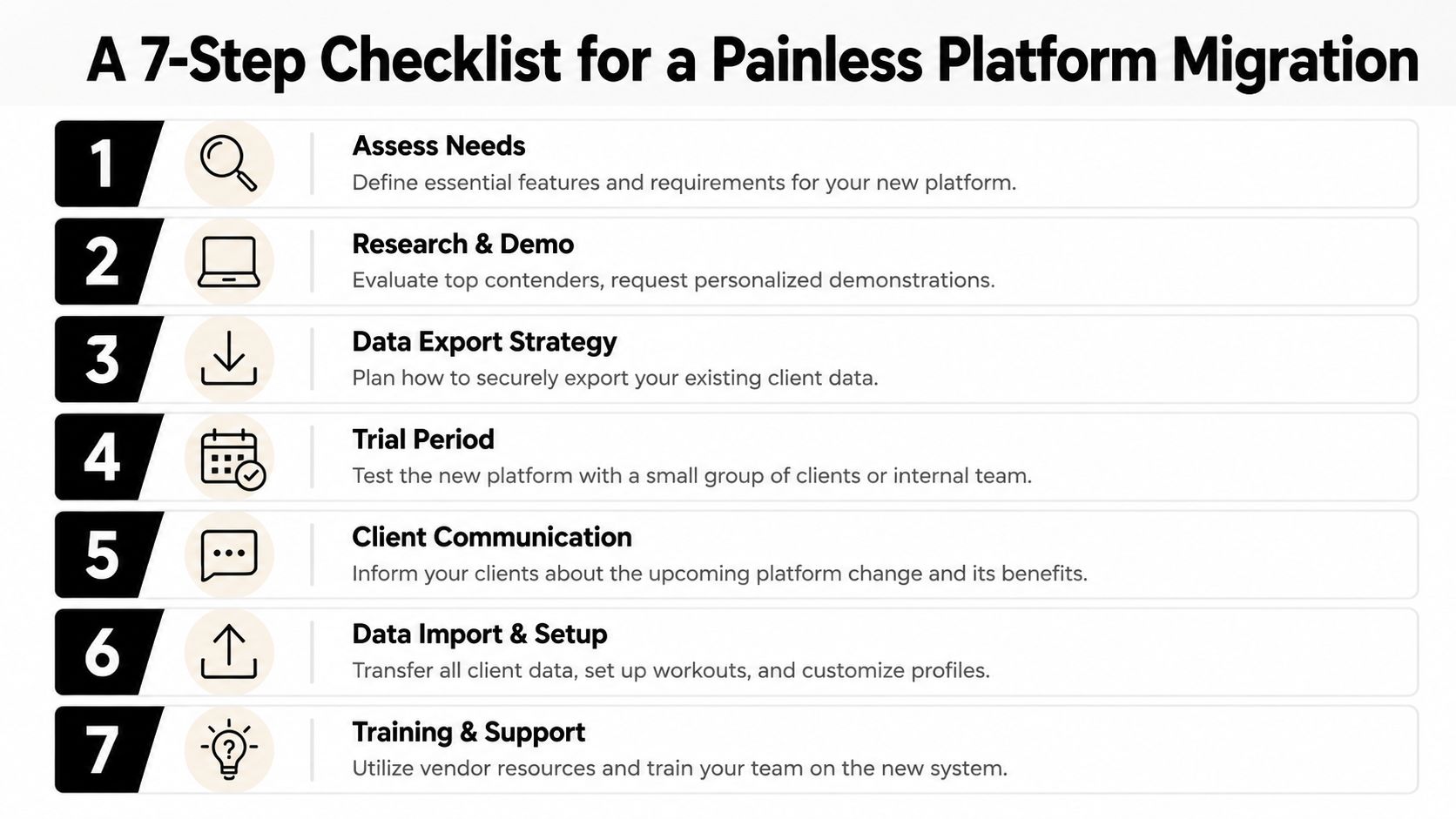
The technical move is rarely the actual problem. The risk sits in lost records, broken habits, and a messy handoff that makes clients question whether your business is organized. The coaches who switch cleanly treat migration like an operations project, not a software trial.
Use this checklist before you move a single client.
Export everything before you cancel anything
Pull client profiles, programs, exercise history, progress photos, check-ins, waivers, and payment records if the platform stores them. Download them into labeled folders and open a few files to confirm they open correctly. I’ve seen exports that looked complete until a coach tried to open them after the old account was closed.
List the workflows that run your business
Write down the weekly tasks you cannot afford to break: program delivery, habit tracking, check-ins, scheduling, messaging, billing, and reporting. This becomes your migration scope. Without it, coaches waste time rebuilding nice-to-have setups while missing the processes that keep revenue and retention stable.
Clean up before you rebuild
Do not transfer years of junk into a new system. Rename duplicate exercises, archive dead templates, remove outdated forms, and fix inconsistent tags. Migration is the best time to correct old mistakes because you only want to train staff and clients on one clean setup.
Set up the new account with real business rules
Build your templates, automations, intake forms, coaching packages, and staff permissions before clients arrive. Check timezone settings, reminder logic, payment triggers, and any compliance-related fields. A platform can look polished in a demo and still fail on small settings that create daily admin work.
Test with a pilot group, not your full roster
Pick a small group of steady clients who reply on time and will tell you what’s broken. Run a normal coaching week inside the new app. Deliver programs, collect a check-in, review logs, send messages, and process one payment or schedule change. That is where migration problems show up.
Communicate the switch like an operator
Clients do not need a long story about your software stack. They need three things: what is changing, when it changes, and what they need to do. Send one clear message, one reminder, and one cutoff date. If your service includes food logging or meal accountability, review how the platform handles that before rollout. This guide to choosing a nutrition coach app for client management is a useful filter for that part of the decision.
Set a hard cutoff and keep a rollback file
Pick the exact date the old platform stops being the source of truth. After that date, all coaching activity lives in the new system. Keep a backup folder and a simple rollback plan for a few days in case a missing feature or import issue forces you to patch something fast, but do not run two live systems longer than necessary.
Migration rule: The longer you keep both platforms active, the more duplicate work, missed messages, and billing errors you create.
A clean switch comes from sequence and discipline. Export first. Test real workflows. Move clients in controlled batches. Cut over once, with a clear deadline. That is how you avoid turning a software upgrade into an operations problem.
Your Next Step Within 24 Hours
You don’t need another week of comparing screenshots.
Tonight, take 15 minutes and audit your current platform against three questions:
Does it make daily coaching easier
Is the pricing clear
Do I trust the people behind it
If the answer is shaky on even one of those, stop telling yourself you’ll deal with it later. Software problems rarely stay contained. They spill into compliance, communication, billing, and the way clients experience your coaching.
The best personal trainer app is not the one with the biggest name, the prettiest dashboard, or the longest feature page. It’s the one that gets out of your way, keeps your business predictable, and still feels trustworthy after the honeymoon period ends.
If you want a practical next move, write down the five workflows you use every week: programming, client logging, check-ins, scheduling, and payments. Then score your current system critically. If it’s forcing workarounds, that’s your answer.
If you want to talk through what a cleaner setup could look like, use FitCentral’s contact page and ask direct questions about your workflow, your roster, and the parts of your current system that keep breaking.
FitCentral is built for coaches who are tired of stitching together tools and getting burned by buggy platforms, vague pricing, and support that doesn’t understand real coaching. It was co-founded by David Spitdowski, a practicing personal trainer, and it’s designed to handle programming, scheduling, messaging, progress tracking, nutrition logging, habit tracking, and payments in one reliable system. If you want a platform that passes the same audit in this article, take a serious look at FitCentral.
See also

Ready to stop fighting your software?
FitCentral gives you everything you need to manage clients, deliver results, and grow your business. Sign up today.