Your Work in Progress Photo System: A Coach's Guide
Check-in day should be quick. Instead, you open a client message and get three photos that tell you almost nothing. One is shot from below, one is in a dark bathroom, and one has a cluttered background that pulls the eye everywhere except where you need it. You can't tell whether posture changed, whether the waist looks different, or whether you're just seeing lighting noise.
That's not a small admin problem. It's a coaching problem, a communication problem, and a professionalism problem. A clean work in progress photo helps clients see change faster than a text update alone because visuals are processed 60,000 times faster than text, and website users read only 28% of page words on average, according to these image performance benchmarks. If your photo process is loose, your feedback gets weaker, and the client feels less managed.
Table of Contents
Why Bad Progress Photos Are Costing You Clients
A bad work in progress photo doesn't just make check-ins annoying. It strips out one of the clearest ways to show a client that your process is working.
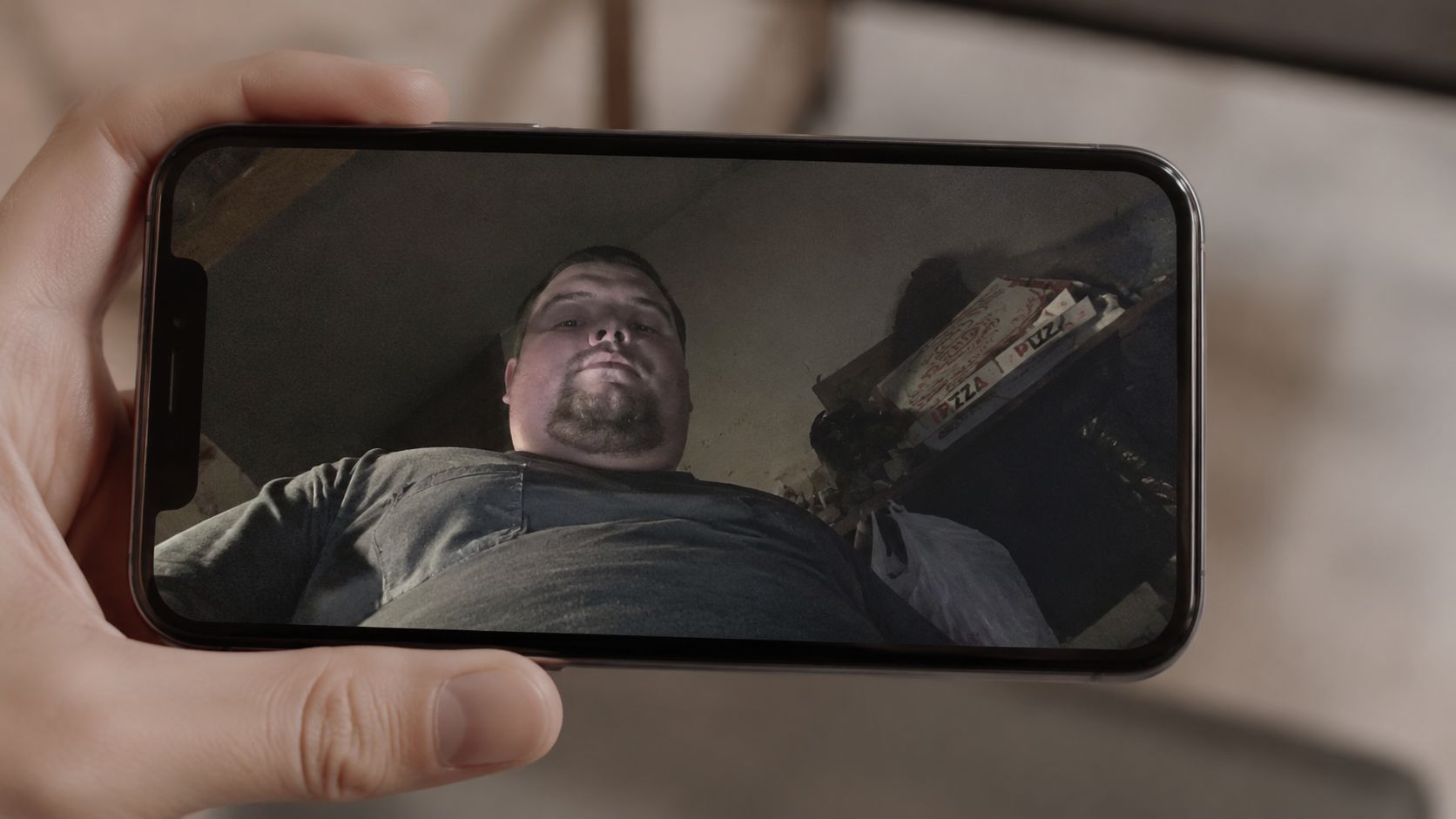
When the angle changes every week, you stop comparing progress and start comparing camera mistakes. When lighting swings from bright window light to a dim bedroom lamp, definition appears and disappears for reasons that have nothing to do with training. When the background is messy, the frame loses focus and the client looks less like someone in a structured coaching system and more like someone texting random updates.
That matters because clients don't only evaluate you by their result. They evaluate you by how managed they feel. Tight systems build trust. Loose systems feel improvised.
Bad photos create business friction
Three things usually happen when photo quality is inconsistent:
Feedback gets softer, because you can't confidently point to visible change.
Adherence slips, because the client doesn't get strong visual reinforcement.
Your service looks less polished, especially during onboarding and check-ins.
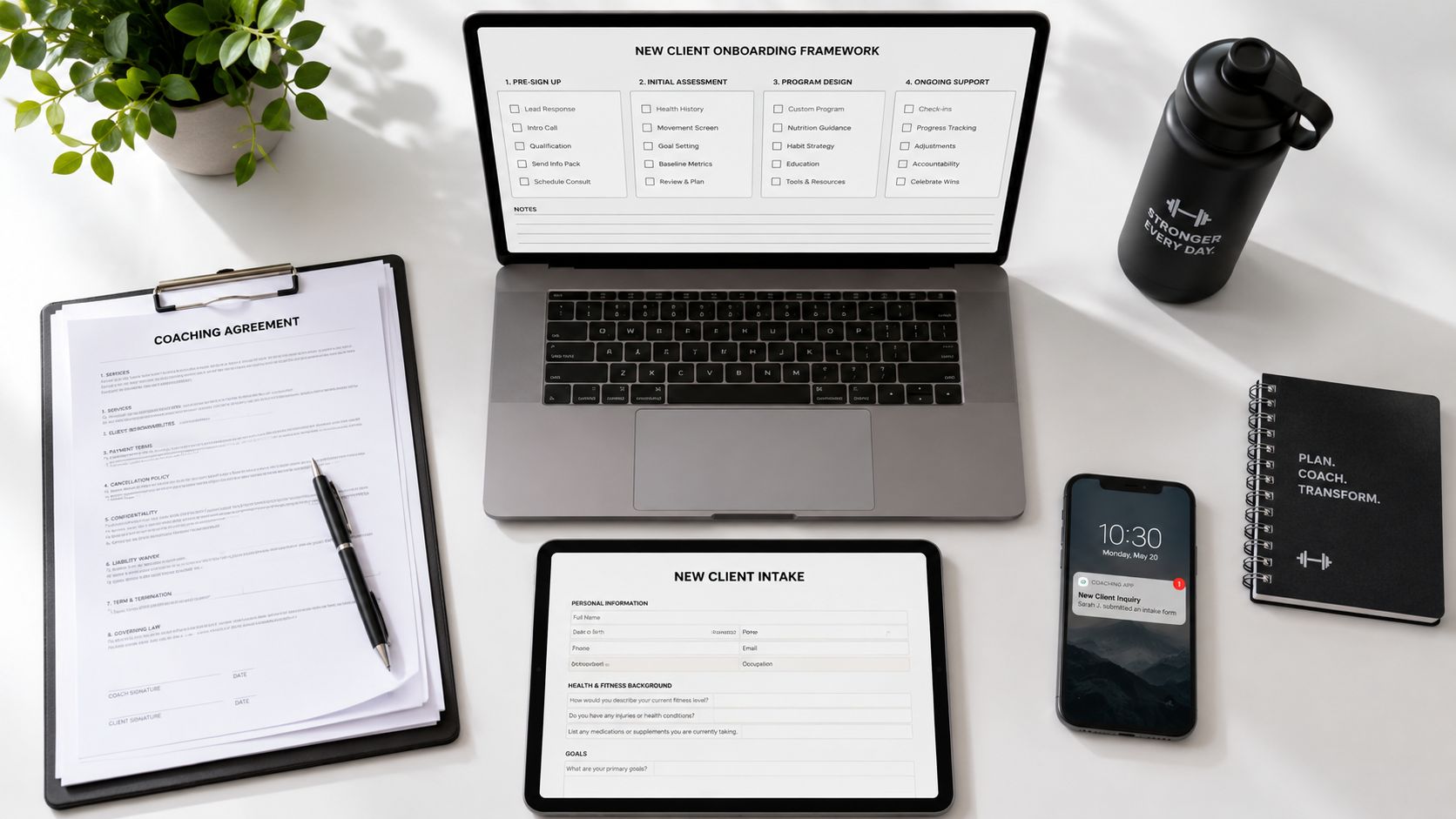
If your client journey is strong everywhere else, a sloppy photo process still weakens the whole experience. That's why I treat progress photos like part of onboarding, not an optional extra. If you're tightening your setup, this client onboarding checklist for trainers is the right place to audit where the photo process should live.
Practical rule: If a photo needs explanation before you can interpret it, it's not a useful progress photo.
Clear visuals make your coaching easier to understand
Clients rarely remember every detail from your written check-in. They do remember side-by-side visual proof. A sharp work in progress photo sequence gives you something concrete to coach from. It also gives the client a record that survives noisy weeks, scale fluctuations, and the usual “I feel like nothing is changing” conversation.
Strong photo systems also improve testimonial quality. Not because you're chasing dramatic before-and-after marketing, but because a consistent archive creates believable proof. You're not asking clients to trust your words. You're showing them a clean timeline of change.
That's the difference between collecting photos and running a photo protocol.
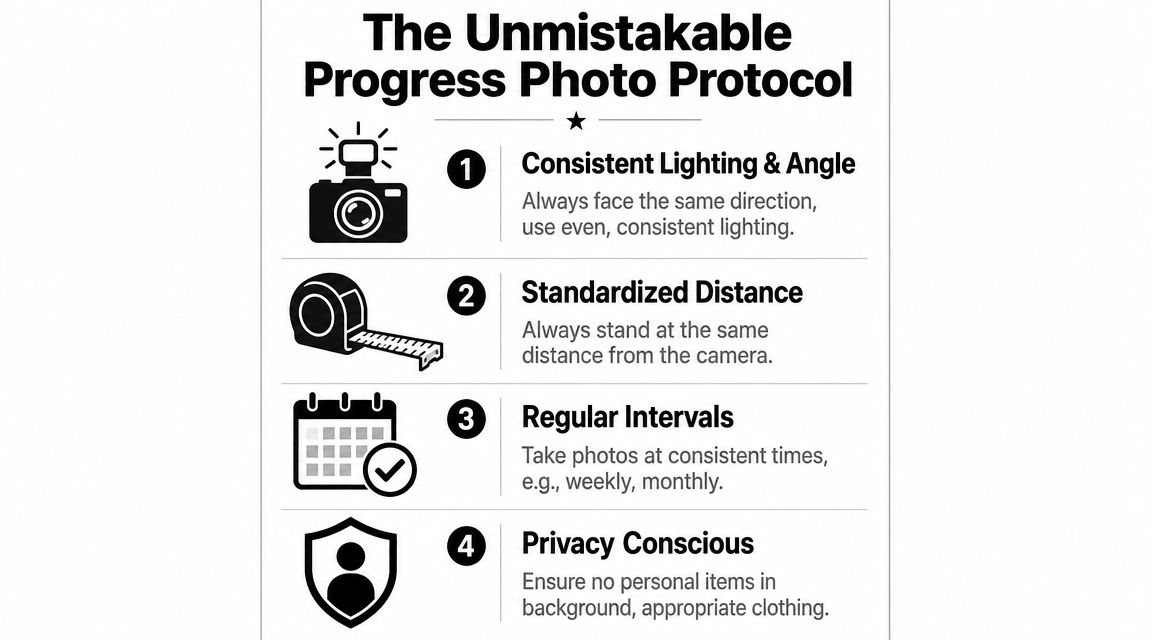
The Unmistakable Progress Photo Protocol
Most coaches don't need more photography advice. They need a repeatable standard clients can follow without sending five clarification messages.
A lot of experienced coaches prefer a bi-weekly cadence, often on a Sunday or Monday morning, because it's frequent enough to guide adjustments without getting dragged around by daily fluctuations, as noted in this progress picture guide. That cadence is practical for coaching because it gives you enough visual data to catch drift early.
What every client gets told on day one
The protocol needs to be boring. That's a compliment. Boring means repeatable.
I'd keep the standard around four essential items:
Same time Shoot in the morning. If possible, use the same routine each time so hydration, food intake, and daily bloat don't change the look of the photo.
Same setup Same room, same wall, same light source, same camera height.
Same shot list Front relaxed, side relaxed, back relaxed. Optional flexed shots can help, but only if they're always included the same way.
Same clothing The client should wear attire that lets you assess change while staying appropriate and comfortable.
The client checklist I'd actually send
This is the checklist that stops the back-and-forth.
Lighting Use even light. Window light can work well if it's consistent. Don't alternate between overhead bathroom lighting and natural light from one check-in to the next.
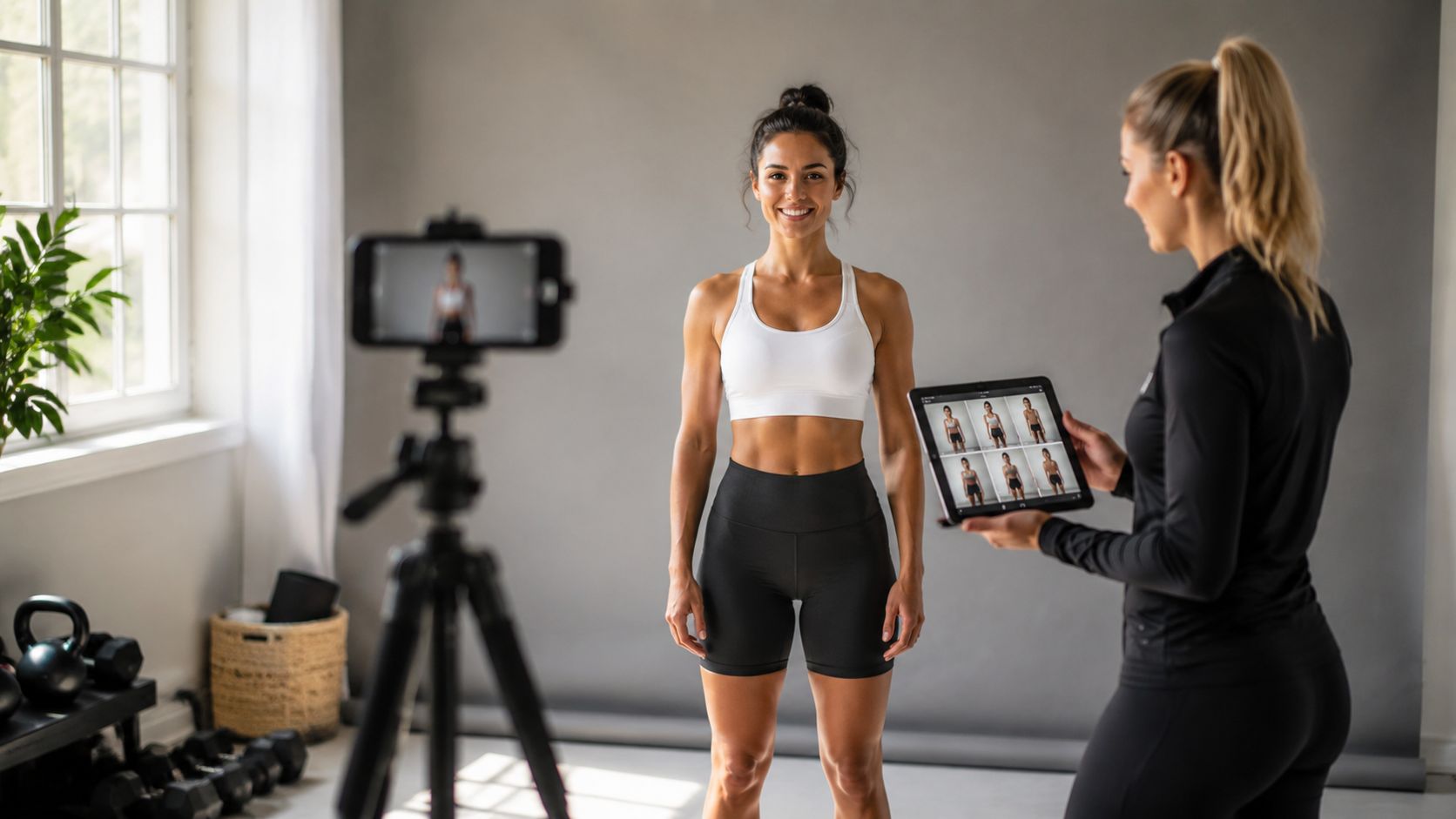
Camera height Set the phone at about mid-torso height and keep it there. A stack of books, a shelf, or a tripod works. Handheld selfies usually create angle drift.
Distance Pick a floor marker and keep it. Tape on the floor works better than “roughly the same spot.”
Framing Get the full body in frame, with enough space above the head and below the feet that nothing is cropped.
Background Use a plain wall if possible. Remove distracting items. A progress photo should show the client, not the room.
Pose Stand relaxed, feet set the same way each time, arms in the same position, eyes forward.
Shot order Front. Side. Back. Then any optional comparison poses you want standardized.
The easiest way to improve compliance is to make the instructions copy-paste simple. If a client has to interpret the process, they'll improvise.
A short reference sheet helps more than a long explanation. If you're reviewing your onboarding stack, this piece on best client onboarding software for coaches is useful because the core issue isn't just where clients sign up. It's where your standards get delivered and repeated.
Getting Client Buy-In and Protecting Their Privacy
The awkward part isn't usually the photo itself. It's the ask.
If you make photos sound cosmetic, some clients will shut down. If you frame them as a normal coaching data point, most clients understand the purpose immediately. That framing matters.
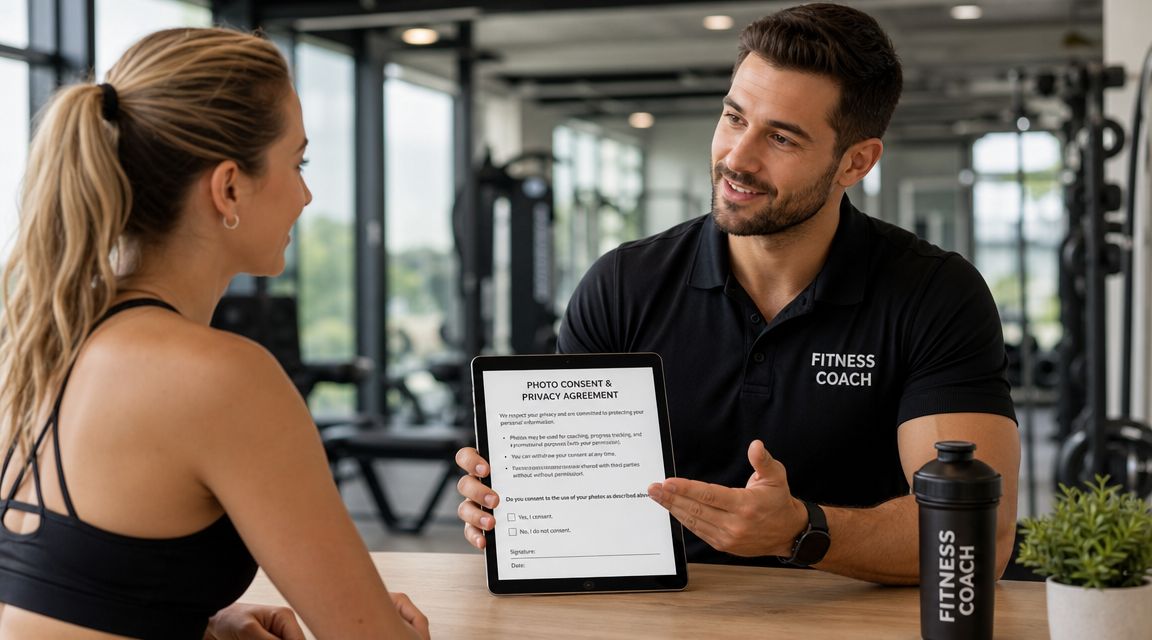
How to frame the ask
I'd say it plainly:
Progress photos help me coach you more accurately. They're not about chasing perfect pictures. They help us compare body composition, posture, and visual changes that the scale can miss.
That language usually lands because it puts the photo next to training logs, body weight, measurements, and nutrition adherence. It becomes part of the review process, not a vanity exercise.
A simple message template works well:
I'd like you to send progress photos on your scheduled check-in day using the photo checklist I gave you. I use them for internal coaching review so I can compare changes over time and make better programming decisions. I don't use client photos for marketing unless I have separate written permission.
A simple consent boundary that avoids problems later
Many coaches get sloppy. They assume a client “knows” how the photos will be used. Don't assume.
Your agreement should separate two permissions:
Coaching use Internal review, progress tracking, and check-in discussion.
Marketing use Any testimonial, social post, website use, or promotional material. This needs separate, explicit permission.
That boundary protects the client and protects you. It also lowers resistance because the client knows the default use is private.
For privacy language, keep it direct. Explain where photos are stored, who can access them, and whether they're ever exported. If you want a reference point for policy language and disclosure basics, review the FitCentral privacy policy and adapt your own documents with the same level of clarity.
A professional photo process isn't just technical. It's relational. The client should feel that you've thought through the vulnerable parts before they ever have to ask.
How to Securely Store and Review Client Photos
A phone camera roll is convenient. It's also where organization goes to die.
Text threads, email attachments, and random cloud folders create the same mess in different packaging. Photos get buried, versions get mixed up, and you waste time hunting for “the one from six weeks ago” while trying to sound composed on a check-in call.
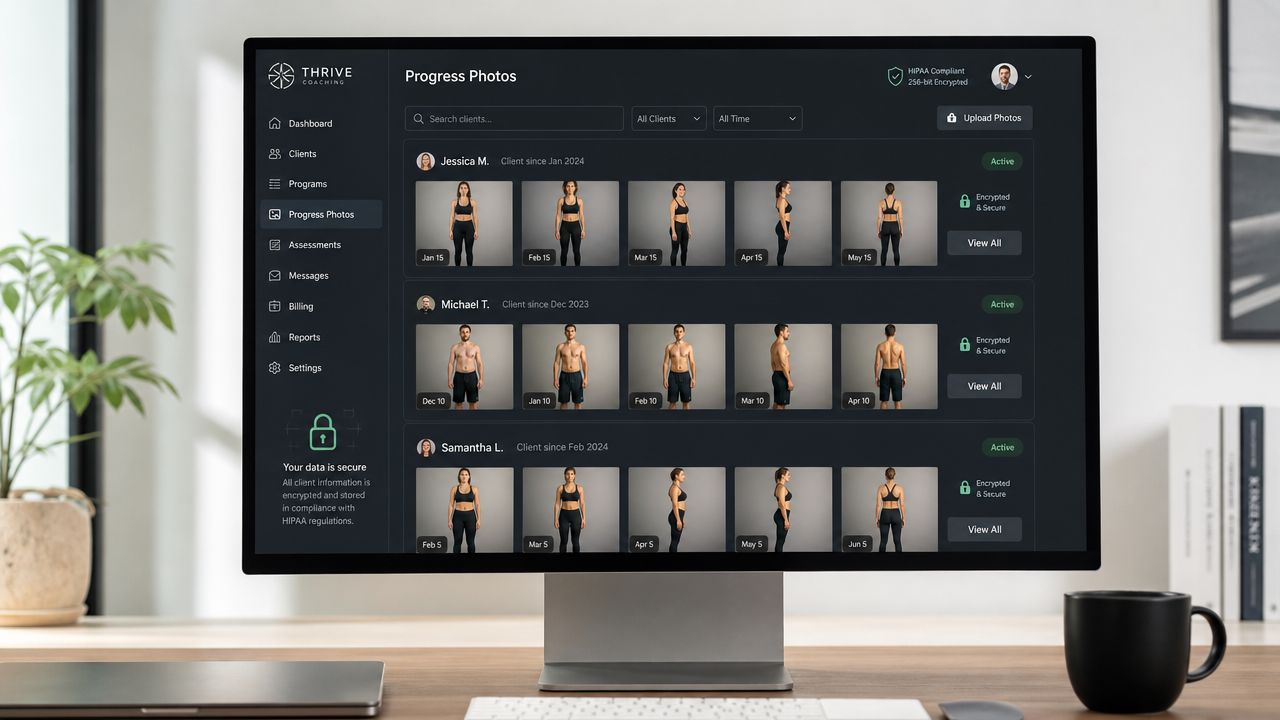
What doesn't work
Here's the usual breakdown.
Method | What goes wrong |
|---|---|
Text messages | Photos are compressed, scattered, and hard to compare over time |
Email folders | Clients send inconsistent subject lines, and review becomes manual |
Phone albums | Easy to save, hard to sort by client and date without mistakes |
Generic cloud folders | Better than text, but still detached from notes, metrics, and check-ins |
MIT's technical photography guidance is useful here because it frames the job as maximizing the image's signal-to-noise ratio through composition, lighting, and editing, as described in its technical photography recommendations. In coaching terms, storage should do the same thing operationally. It should reduce workflow noise so the useful signal stands out.
What a usable review system looks like
A good review system does four things:
Keeps each client's photos in one private record
Orders images by date automatically
Places photos next to check-in notes and metrics
Makes side-by-side review fast
If reviewing photos takes more than a minute or two to locate, compare, and comment on, your system is costing you time every single week.
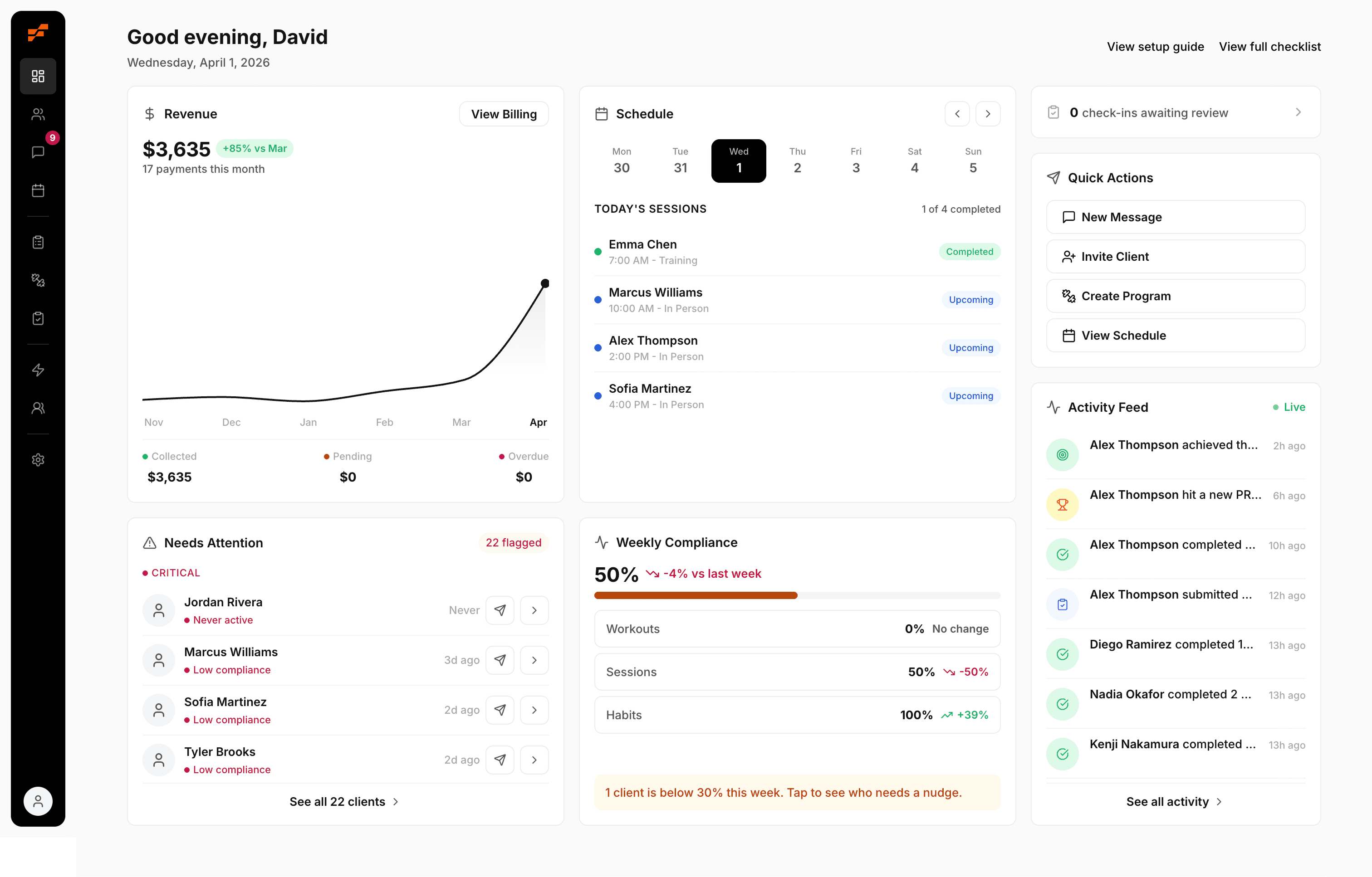
Dedicated coaching software earns its place. FitCentral, for example, stores progress photos inside each client profile alongside notes, metrics, workouts, and check-ins. That matters because you're not switching across five tools to understand one client. David Spitdowski, FitCentral's co-founder and a practicing trainer, built around that real coaching workflow instead of the scattered setup most coaches end up tolerating. If you're comparing options, this guide to the best personal trainer app gives useful context on what to evaluate.
Using Photos for Motivation and Programming
Once the work in progress photo system is clean, the next question is simple. What are you looking for?
A photo isn't there to confirm your bias. It's there to sharpen your read on what the client's body is doing between check-ins.
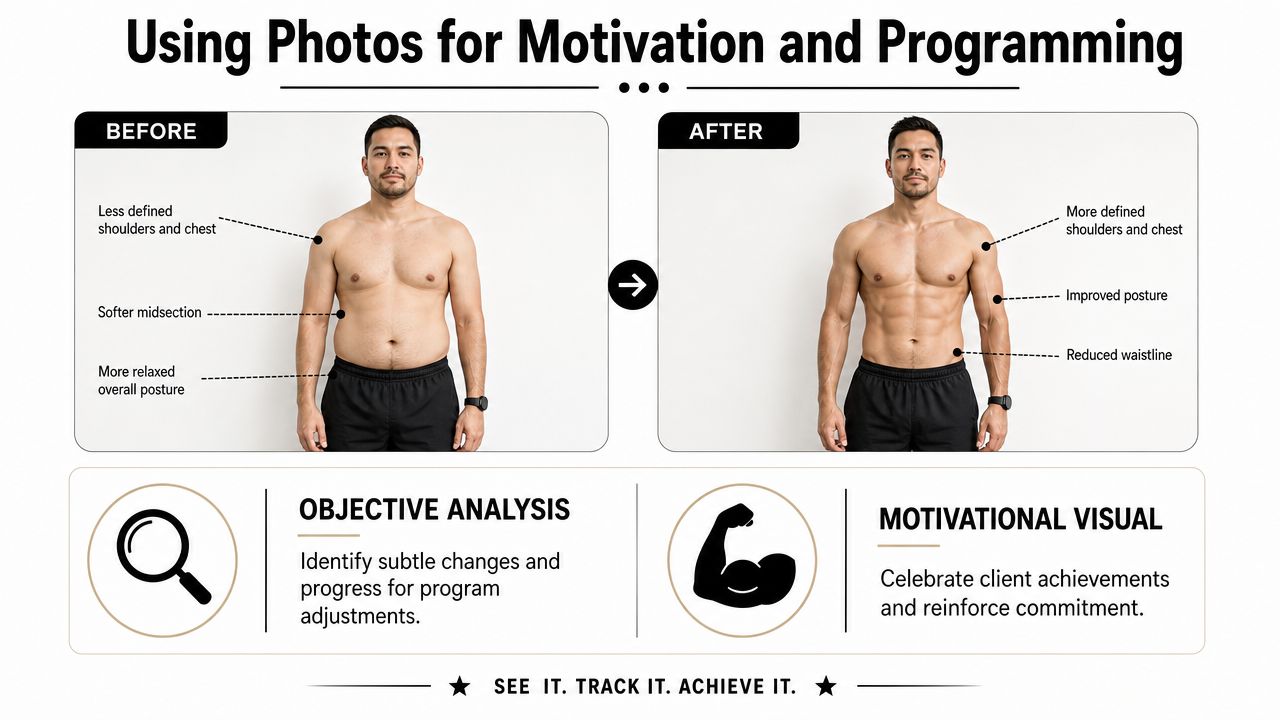
How to read a photo like a coach
The biggest rule is consistency. If the viewpoint changes, comparison quality drops. Guidance on visual comparison notes that inconsistent angles, eye levels, and distances can distort perceived progress, which is why a checklist matters, as explained in this perspective and viewpoint breakdown.
Once the setup is controlled, start reading for patterns like these:
Posture changes Rib flare, pelvic position, shoulder rounding, and how the client stands when relaxed.
Regional muscular development Delts, back width, glute shape, quad sweep, arm fullness. Not just overall “leaner” or “bigger.”
Body composition signals Midsection appearance, lower-body detail, and how different areas are changing relative to one another.
Recovery or stress clues A client who looks flatter, more puffy, or less composed week to week may need a programming or lifestyle conversation, not just a calorie adjustment.
When the photo changes the program
The photo becomes valuable when it changes a decision.
If body weight stalls but the visual trend improves, you may keep calories where they are and stay patient. If front shots look stable but back shots show clear improvement, you can use that to calm a client who's getting scale-anxious. If the physique is improving globally but one area lags relative to the goal, that may justify a volume shift, exercise selection change, or a different emphasis in the next block.
A few ways to make photos more useful in check-ins:
Annotate one or two points Don't mark up everything. Point out the clearest visible changes.
Compare like with like Front to front, side to side, back to back. Never compare mismatched poses.
Tie the image to a coaching decision Explain what the visual means for training, nutrition, or recovery.
That's also where a structured exercise programming template for personal trainers helps. When the photo reveals a real trend, you need a clean place to translate that into the next programming move.
Your 24-Hour Action Plan
Don't try to rebuild your whole photo system today. Fix the part that removes the most friction first.
Open a document and create your client-facing progress photo protocol. Keep it to one page. Include your shot list, clothing guidance, lighting rules, camera height instructions, timing, and submission schedule. Write it so a client can follow it half-awake on check-in morning.
Then do three things before tomorrow ends:
Add the protocol to onboarding
Add a photo consent clause to your agreement
Choose one secure place where every client photo will live
The best work in progress photo system is the one your clients can follow consistently without needing your help every week.
If you do that in the next 24 hours, your next round of check-ins gets easier immediately. Your feedback gets sharper. Your service feels more structured. And clients stop guessing what a progress photo is supposed to be.
A clean photo workflow only works if the rest of your coaching system supports it. If you want one place to manage client profiles, check-ins, progress photos, workouts, notes, and messaging without stitching together scattered tools, take a look at FitCentral.
See also
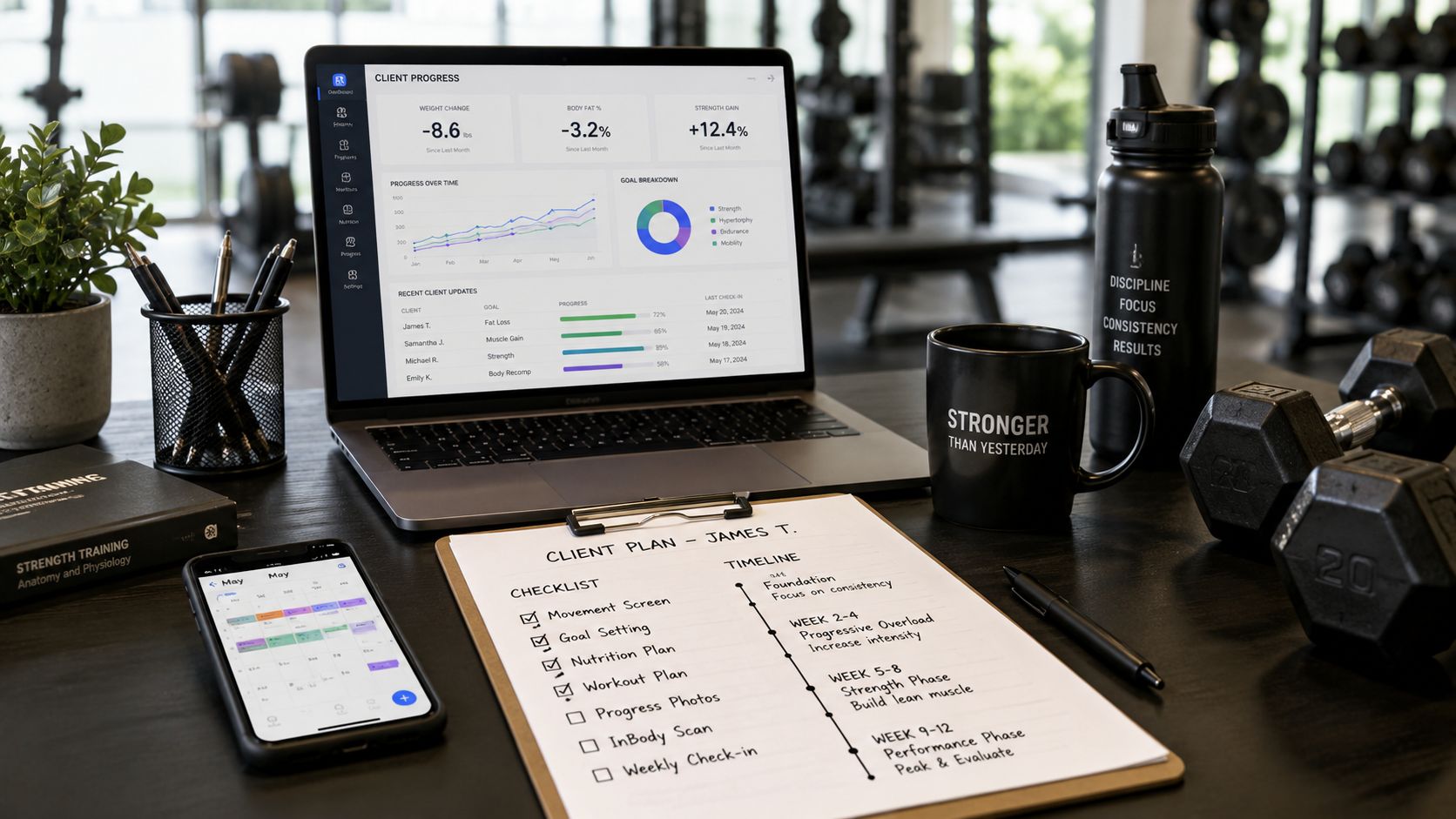


Ready to stop fighting your software?
FitCentral gives you everything you need to manage clients, deliver results, and grow your business. Sign up today.