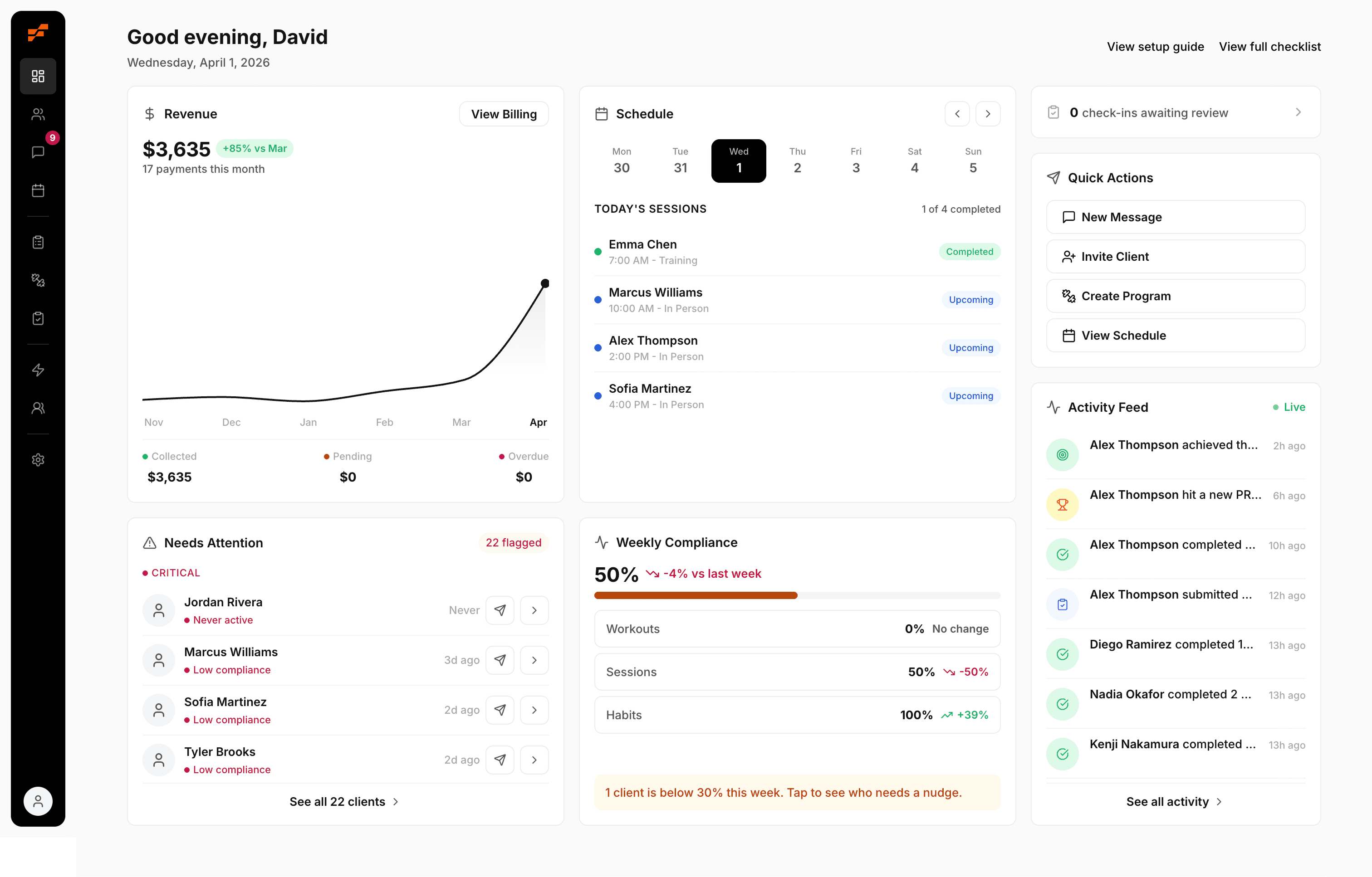
Trainer's Client Onboarding Checklist: Build Trust Fast
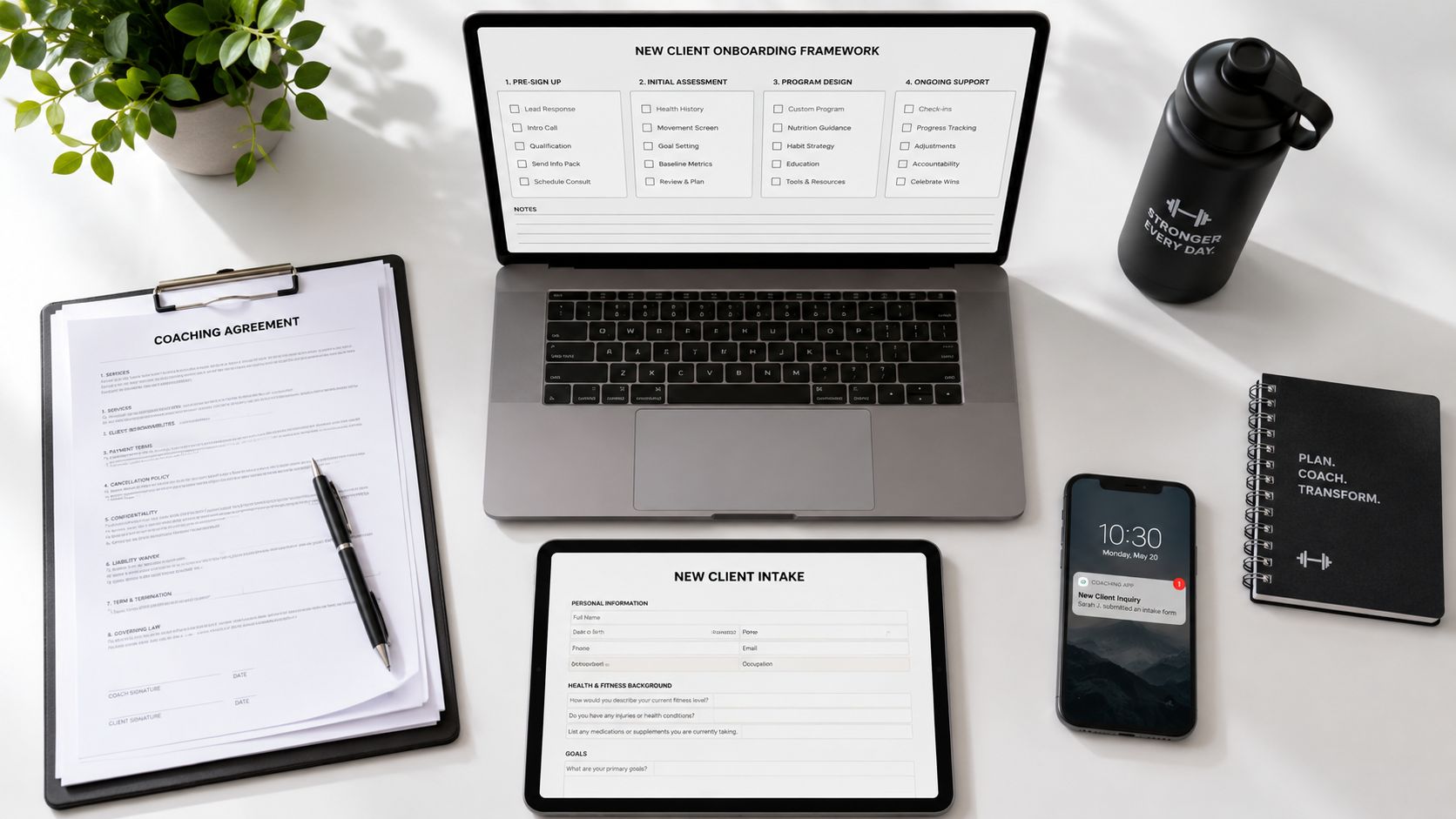
Your onboarding is where good clients get lost.
You just signed a new client. You're excited, then the admin dread kicks in. You update the spreadsheet, build a manual invoice, dig through old emails for your welcome message, and wonder whether you sent the PAR-Q last time or after the first session. By the time you've pieced it together, the client has already felt the wobble.
That messy handoff doesn't just waste time. It makes you look less dialed in than you are. The first 30 days after sign-up are where good clients disappear, not because your coaching is bad, but because the experience around the coaching feels uncertain. They don't know what happens next, where to message you, when they'll be billed, or how to log their work.
A good client onboarding checklist fixes that. Modern onboarding guidance has moved away from a one-time handoff and toward structured stages like pre-kickoff, kickoff, execution, go-live, and post-go-live because teams need a repeatable way to catch delays before they turn into churn. One guide also notes that AI-assisted onboarding can cut time-to-value by 30% to 50%, which tells you how much speed and structure matter when the client is new and watching everything closely (Rocketlane's onboarding guide).
For trainers, the lesson is simple. If you reduce friction early, more clients log workouts, book sessions, and stay engaged. Here's the system.
Table of Contents
1. Step 1 The Pre-Signing Prep
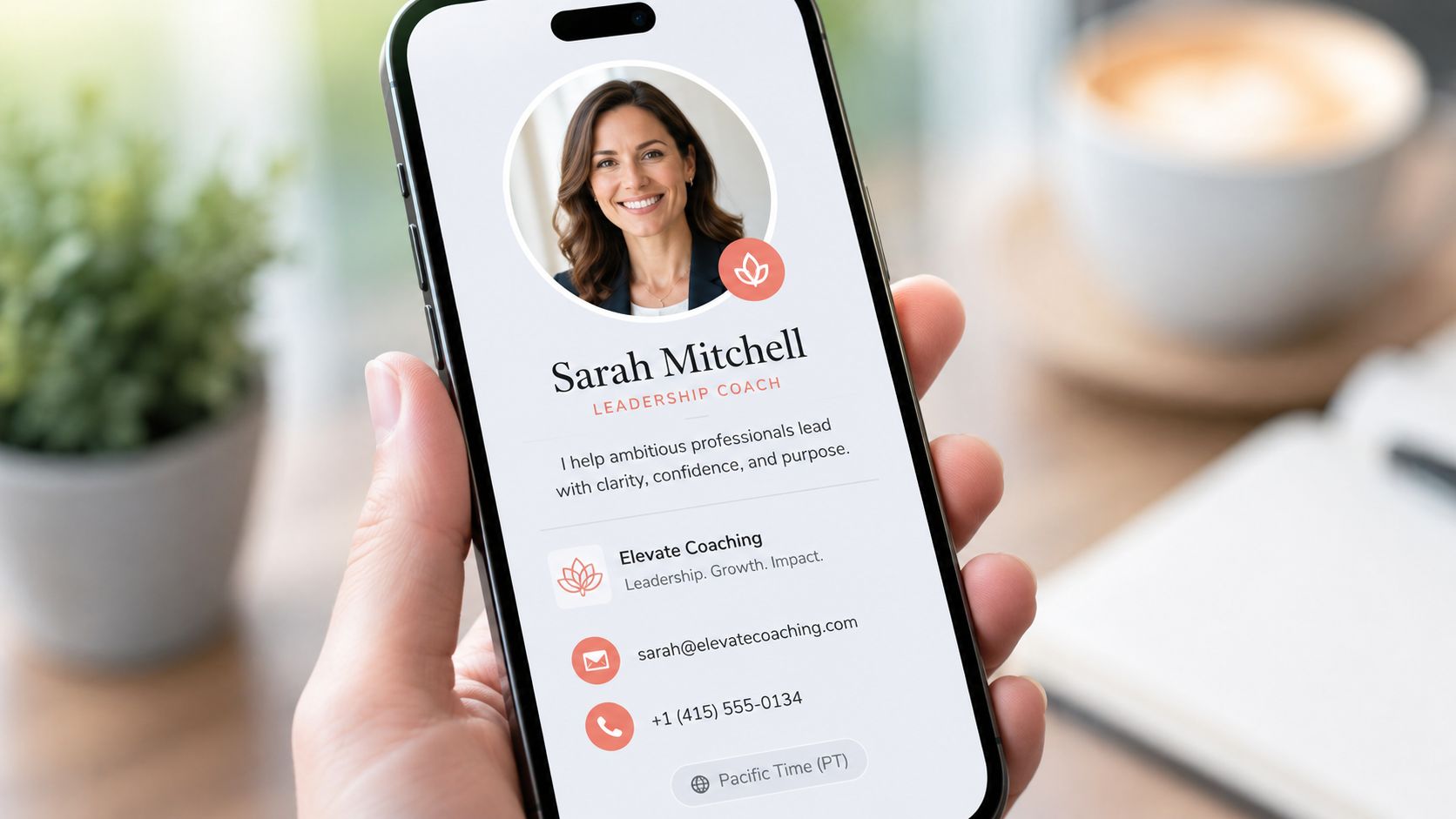
Your onboarding starts before anyone signs. If your booking page, coach profile, payment details, and contact info feel patched together, clients notice immediately. They may still buy, but they won't feel fully settled.
I've seen this with trainers who are excellent on the gym floor and chaotic online. Their Instagram is sharp, but their intake link has an old logo, their bio says one thing, and their scheduling page says another. That mismatch creates doubt at the exact moment you need trust.
Make Your First Impression Before the Sale
Set up the basics once, then stop thinking about them:
Coach profile: Use one clear headshot, one short positioning statement, and one consistent coaching promise.
Business details: Make sure your legal name, business name, support email, and contact number match everywhere the client sees them.
Public links: Test your booking page, inquiry form, and any app invite flow from a client's point of view.
Offer naming: Name your packages clearly. “Online Coaching 3x Week” beats clever branding that hides what they're buying.
Practical rule: If a client has to ask where to click, what to pay, or who to contact, your pre-signing prep is unfinished.
A structured client onboarding checklist exists to standardize handoffs and reduce missed steps. Modern checklist guidance describes onboarding as a sequence that includes welcome and introduction, gathering client information, defining scope and goals, setting up communication channels, providing access to tools, and outlining next steps. One framework breaks it into 10 onboarding steps in a modern checklist workflow, which is a useful reminder that polished delivery starts before the first workout.
If your packages still feel vague, sort that out before you send another proposal. This guide on setting your hourly rate as a personal trainer is a good place to tighten your offer and pricing language.
2. Step 2 Contracts and Payments
Nothing poisons a fresh coaching relationship faster than payment friction. You shouldn't be sending “just checking in on that invoice” messages to a client you're also trying to motivate.
The clean setup is simple. Contract first, card on file second, recurring billing live before delivery starts. If you coach online, hybrid, or in person, the principle stays the same. Payment should happen inside the system, not inside your memory.
Remove the Awkward Money Conversations
Use this order every time:
Send the agreement first: The client should know what they're buying, how long it runs, and what your communication rules are.
Collect payment method immediately: Don't start coaching and “sort billing later.”
Use recurring billing: If you offer monthly coaching, charge monthly automatically.
Attach service to payment: The package, billing cycle, and coaching access should live together.
When this is sloppy, clients get mixed signals. They book, then wait. You send a welcome note but forget the invoice. They start asking about the first session before they've technically completed setup. That's how admin leaks into the relationship.
Money friction is rarely about the amount. It's usually about uncertainty.
David Spitdowski, FitCentral's co-founder and a practicing personal trainer, built around this reality because trainers were tired of platforms with confusing pricing, rising costs, and billing workflows that created more admin instead of less. If recurring billing is still manual in your business, fix that this week with this walkthrough on setting up recurring payments.
The point isn't to be rigid. It's to make the payment side boring. Boring is good here. Boring means clients know when they'll be charged, you know when you'll be paid, and neither of you wastes energy on follow-ups.
3. Step 3 Intake and Assessments
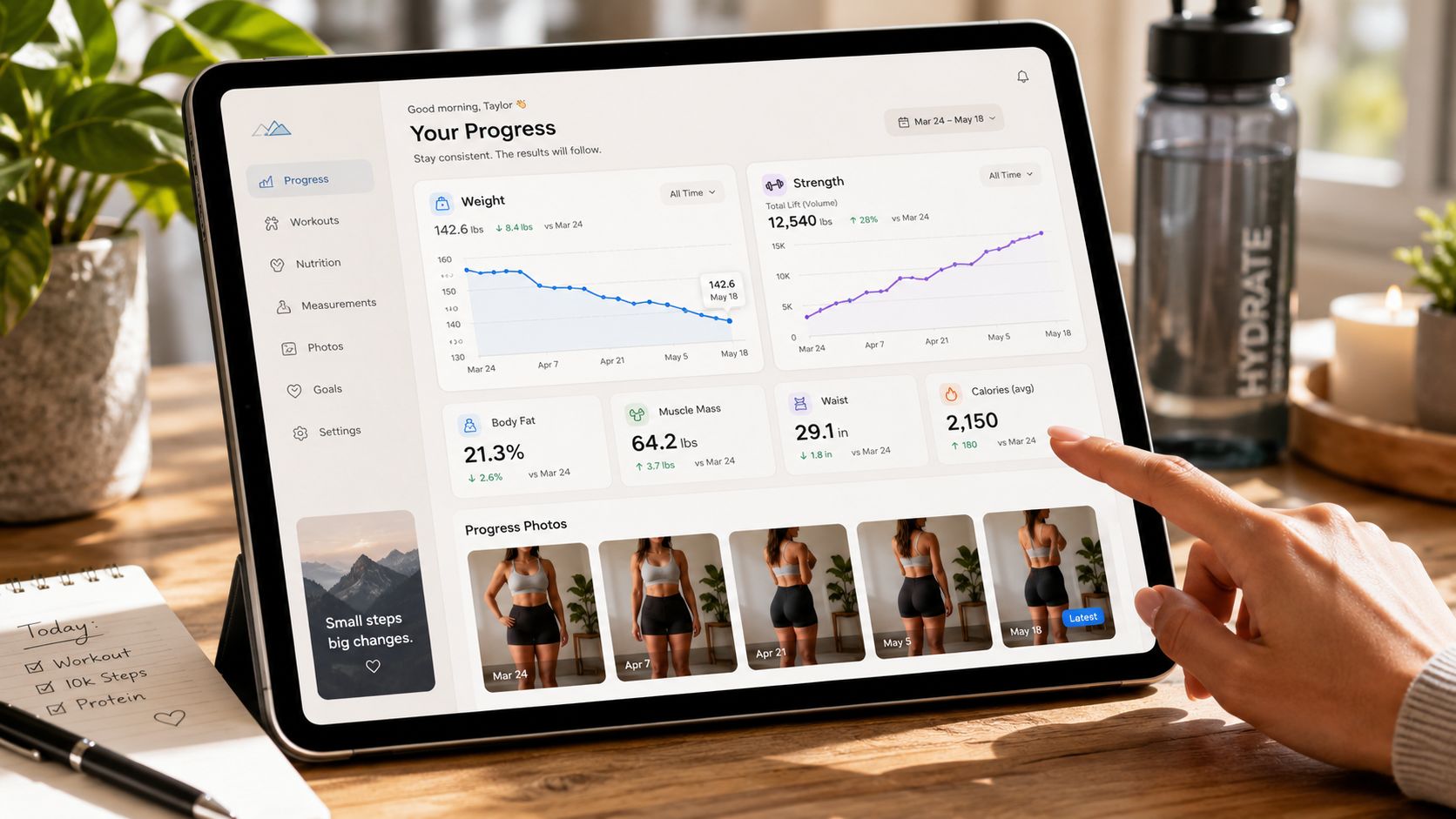
Good programming starts with good intake. Not a DM thread. Not a voice note you can't find later. Not “we covered it on the call somewhere.”
You need one standardized form that collects the same key information from every client. That includes goals, training history, injury history, schedule constraints, equipment access, food preferences, stressors, and anything else that changes your programming decisions.
Collect What You Need Once
A strong intake form saves time later because you stop re-asking basic questions. It also helps you spot problems before they show up as compliance issues.
Include fields for:
Primary goal: Fat loss, strength, return from injury, event prep, body recomposition, general consistency.
Constraints: Travel schedule, shift work, childcare, limited equipment, old injuries.
Preferences: Exercise likes and dislikes, session length, coaching style, communication comfort.
Readiness markers: Current routine, sleep pattern, food logging experience, stress load.
For software-heavy onboarding, early adoption matters more than task completion. Industry guidance recommends tracking things like feature adoption, engagement, and logins in the first days and weeks, with adoption defined as the percentage of customers using a feature at the frequency your business considers fully adopted. The same source notes that the onboarding software market was valued at $3.8 billion in 2025 and projected to reach $9.6 billion by 2034, a projected 10.8% CAGR, which supports using structured systems instead of spreadsheets and scattered messages (Gainsight's overview of onboarding metrics).
That sounds very software-focused, but the coaching translation is obvious. If a client doesn't complete intake, open the app, and start using the core parts of your process, they aren't onboarded yet. They've only paid.
4. Step 4 App Setup and Client Education
Sending an app invite without context is one of the most common mistakes trainers make. You know where everything is. Your client doesn't. What feels obvious to you feels like homework to them.
That's why app setup has to include education. Not a giant tutorial. Just a quick guided path that shows them the few actions that matter most in week one.
Don't Assume They Know How to Use Your System
Record a short screen-share or send a plain-language welcome message that covers:
Where to find their program
How to log a workout
How to message you
Where to book a session or check-in
What they should do today
Keep it short. The best version is one they'll actually watch.
A confused client doesn't become more compliant because your app has more features. They become more compliant when they know exactly what to do next.
General onboarding guidance for solo operators is still weak here. A big gap in most onboarding content is the first 30 days after sign-up, especially the practical question of what actions in week 1 and week 2 reduce drop-off for small rosters. Existing guidance often mentions reminders, status check-ins, and feedback collection, but it usually doesn't adapt that into a trainer-facing retention playbook for a solo business (Touch Stay's note on the first 30 days gap).
That's why I prefer a simple setup rule. Don't teach the whole app on day one. Teach the next action. Log workout one. Reply in the chat. Confirm your next session. That's enough.
If you're rethinking the client experience inside your software, this breakdown of the best personal trainer app features will help you decide what should be visible and simple for clients from the start.
5. Step 5 Scheduling and Reminders
A lot of no-shows begin during onboarding, not later. The pattern is familiar. The client signs up, you trade a few messages, nobody locks in a time, and the first session drifts. Once that happens, urgency drops fast.
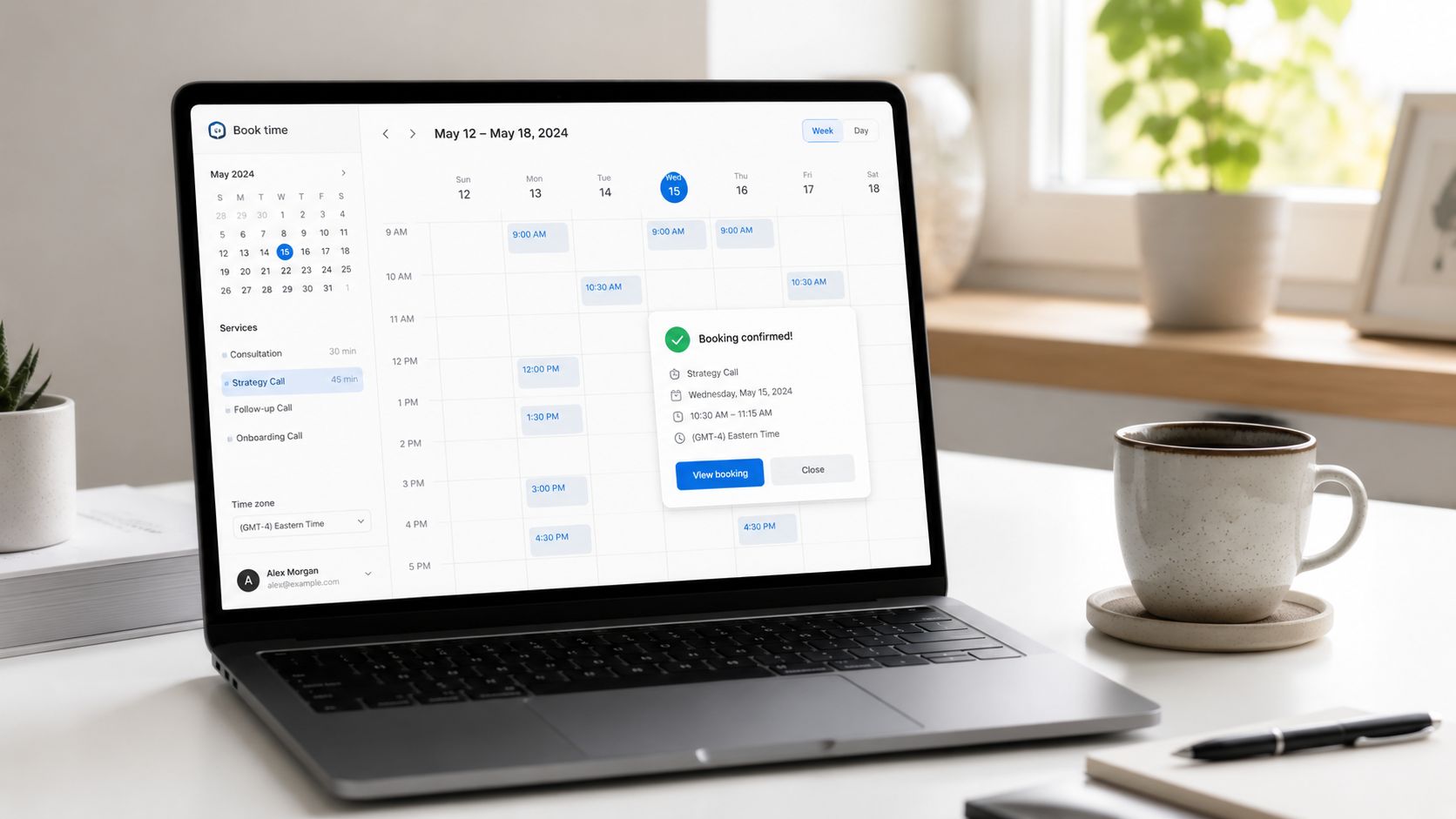
Your calendar needs rules. Clients should know when they can book, how far ahead they can book, how reschedules work, and where reminders come from.
Protect Your Calendar Early
The best scheduling setup does three things well.
First, it lets clients self-book from real availability. Second, it syncs with your personal calendar so you don't create conflicts. Third, it sends reminders automatically so you're not acting like a human alarm clock.
Here's what works in practice:
Set clear booking windows: Give clients available slots, not open-ended “let me know what works.”
Define cancellation rules: Put the policy in writing before the first session.
Automate reminders: Session reminders and check-in reminders should go out without you touching them.
Use one channel: Don't schedule by email, confirm by text, and reschedule by DM.
A good client onboarding checklist also needs ownership. One onboarding framework recommends assigning an owner to every task, setting due dates relative to kickoff, and reviewing the checklist at each stage gate so delays don't pile up. That same guidance recommends collecting feedback at two or three milestones during onboarding, which is a smart operational habit for coaches too. You don't need a customer success team to use that principle. You just need to decide what must happen, by when, and who is responsible. In a solo coaching business, that person is you, until the system handles it for you.
6. Step 6 The First Session Workflow
Your first session should feel calm, clear, and structured. Clients don't need theatrics. They need to feel that you know where this is going.
If the first session turns into a scattered mix of small talk, half an assessment, and vague promises about “getting your plan over soon,” you miss the biggest trust-building moment in the whole relationship.
Run a Session That Answers What Happens Next
I like a simple first-session flow:
Reconfirm the goal: Use their intake answers so they know you paid attention.
Check movement and readiness: Screen what you need, not what looks fancy.
Start the first training exposure: Give them something they can execute and remember.
Explain the process: Tell them how programming, messaging, check-ins, and progression will work.
Close the loop before they leave: Confirm the next touchpoint before the session ends.
The communication part matters as much as the coaching part. General onboarding checklists often talk about roles, channels, response times, and escalation paths, but they're usually written for agencies or teams. Solo trainers need a version that sets boundaries without sounding cold. That's an underserved part of onboarding guidance, especially when the coach is also the service provider, scheduler, and account manager (E2M Solutions' discussion of communication setup and ownership gaps).
If you don't define response windows early, clients will define them for you.
A good post-session message helps too. Summarize what you covered, reinforce one early win, and confirm the next session or check-in date. It takes a few minutes and prevents a lot of “what happens now?” friction.
7. Step 7 The First 30-Day Follow-Ups
Most retention problems occur in the first month. Not in the contract. Not in the sales call. During this time, motivation is still unstable and routine hasn't set.
Most onboarding content talks about welcome emails, kickoff meetings, and setup tasks. That matters, but it's incomplete. A trainer needs a follow-up rhythm that keeps the client moving through the awkward early phase where life starts interrupting the plan.
Coach the Drop-Off Window
Use a simple cadence in the first month. Reach out after the first few days, again at the end of week one, then in week two, and again around day 30. The message doesn't need to be long. It needs to be specific.
Examples:
After early activity: “Saw you logged your first session. Good start. Reply if anything felt off.”
After a missed workout block: “You've got two sessions sitting there. Want me to adjust this week around your schedule?”
After a solid first week: “Three sessions done. That's the standard we build from.”
At the first month mark: “What's felt easiest so far, and what's still clunky?”
This is also where retention-focused onboarding gets more useful than setup-focused onboarding. Industry guidance increasingly points toward monitoring launch readiness, early engagement, and post-onboarding feedback loops, but trainers need to translate that into actual check-in behavior for a roster they manage alone.
A simple challenge can help clients stay active between sessions, especially if momentum is fading. If you need ideas that fit into week-one and week-two engagement, use these exercise challenge ideas for coaching clients as a light-touch way to keep them interacting with the process.
8. Step 8 Automate and Templatize Everything
If you rebuild your onboarding from scratch every time someone signs, you don't have a system. You have a memory test.
The best client onboarding checklist is the one you can repeat without thinking. That means templates, automations, standard messages, and clear defaults. Then you personalize where it matters.
Build Once Then Reuse
Here's what should be templatized in a solo coaching business:
Welcome message
Contract and payment flow
Intake form
App invite instructions
First-session follow-up
Missed workout check-in
Week-one and week-two accountability messages
Program templates for common client types
Don't automate your coaching judgment. Automate the repetitive parts that delay it.
One practical benefit of a modern checklist is consistency across stages. If every task has an owner, a due date relative to kickoff, and a stage-gate review, you stop relying on memory and start running onboarding like an operating system. That matters because the first month is usually lost through small misses, not dramatic failures. A client doesn't churn because one thing exploded. They drift because five little things felt disorganized.
If you're still duct-taping spreadsheets, forms, reminders, and invoices together, look at what strong client onboarding software for trainers should automate. FitCentral earns the mention here because it was built by a trainer who lives this workflow daily, not by a company that got big, got acquired, and stopped listening.
8-Step Client Onboarding Checklist Comparison
Step | Implementation complexity 🔄 | Resource requirements ⚡ | Expected outcomes 📊⭐ | Ideal use cases | Key advantage / Tip 💡 |
|---|---|---|---|---|---|
Step 1: The Pre-Signing Prep | Low 🔄, one-time profile & branding setup | Low ⚡, time for bio, photo, basic settings | Consistent public presence and improved first-impression conversions, ⭐⭐ | New coaches or anyone launching a public profile | Write bio from the client's perspective; prepare a professional photo |
Step 2: Contracts and Payments | Medium 🔄, payment processor integrations | Medium ⚡, setup time, fees (Stripe/Square) | Reliable cash flow and fewer invoice delays, ⭐⭐⭐ | Coaches needing recurring billing or package sales | Set automated billing cycles and clear pricing |
Step 3: Intake and Assessments | Medium 🔄, build forms & client profiles | Low–Medium ⚡, form templates and data fields | Better program accuracy and safety; faster onboarding, ⭐⭐⭐ | Clients requiring personalized programs or medical screening | Limit intake to essentials (≤10 questions) |
Step 4: App Setup and Client Education | Low–Medium 🔄, create onboarding guide/video | Low ⚡, short screen recording or message | Faster app adoption and fewer support requests, ⭐⭐ | Tech-averse clients or new app users | Send a 2-minute walkthrough with the app invite |
Step 5: Scheduling and Reminders | Low–Medium 🔄, calendar sync & reminders | Low ⚡, calendar connections and availability blocks | Fewer no-shows and streamlined bookings, ⭐⭐⭐ | High-appointment schedules and busy coaches | Block personal time first; enable automated reminders |
Step 6: The First Session Workflow | Medium 🔄, assessment + session prep | Medium ⚡, prep time and session templates | Strong rapport, clear expectations, better retention, ⭐⭐⭐ | Initial onboarding sessions to set tone and plan | Use a post-session follow-up template summarizing next steps |
Step 7: The First 30-Day Follow-Ups | Medium 🔄, scheduled check-ins & prompts | Medium ⚡, automation plus personal messages | Higher short-term retention and habit formation, ⭐⭐⭐ | New clients in the critical habit-formation window | Schedule check-ins at Day 3, 7, 14, 30 and personalize replies |
Step 8: Automate and Templatize Everything | High 🔄, build reusable templates & automations | Medium–High ⚡, upfront time to create systems | Scales operations and frees coaching time, ⭐⭐⭐ | Coaches scaling business or managing many clients | Turn frequent messages/programs into templates and automate them |
Your Actionable Next Step
A strong onboarding system doesn't just make you look organized. It protects revenue, reduces no-shows, and gives clients confidence before your programming has even had time to work. That matters because onboarding has shifted from informal relationship management to a more data-driven process built around measurable setup outcomes, usage, satisfaction, and early engagement. For coaches, the practical version of that shift is simple. Clients stay when the first month feels clear, supported, and professional.
You don't need to rebuild your business this week. You do need to remove one point of friction right now.
Start with your welcome message. Write one version today that every new client gets after they sign and pay. It should answer five things:
What happens first
Where they should log in
How they contact you
When they'll hear from you next
What you expect them to do in the first 24 hours
Keep it short enough that they'll read it. Clear beats clever every time.
Then test your own process. Go through your links like you're a new client. Book a session. Open the intake form. Read the payment page. Check whether the next step is obvious at every point. If anything feels uncertain to you, it feels worse to the client.
Once that welcome message is done, build the second template. Then the third. Don't wait for the perfect system. Build the repeatable one. The trainers who keep clients longest usually aren't doing mysterious retention tricks. They're just removing confusion before confusion turns into disengagement.
Inside 24 hours, do this:
Write your welcome message
Make one intake form your standard
Set one automated reminder
Define your client response window in writing
That's enough to change how your next client experiences your business.
When you're ready to stop stitching together apps, chasing payments, and manually repeating the same admin every week, use a system that was built around how trainers coach.
If you want a cleaner way to run this whole client onboarding checklist, FitCentral gives you the pieces in one reliable workflow: client profiles, programming, messaging, scheduling, reminders, progress tracking, and recurring payments through Stripe or Square. It was co-founded by David Spitdowski, a practicing personal trainer who still uses it with real clients, which is why the product feels like it was built for actual coaching work instead of investor slide decks.
See also



Ready to stop fighting your software?
FitCentral gives you everything you need to manage clients, deliver results, and grow your business. Sign up today.