Nutrition Tracking App Free Guide for Trainers in 2026
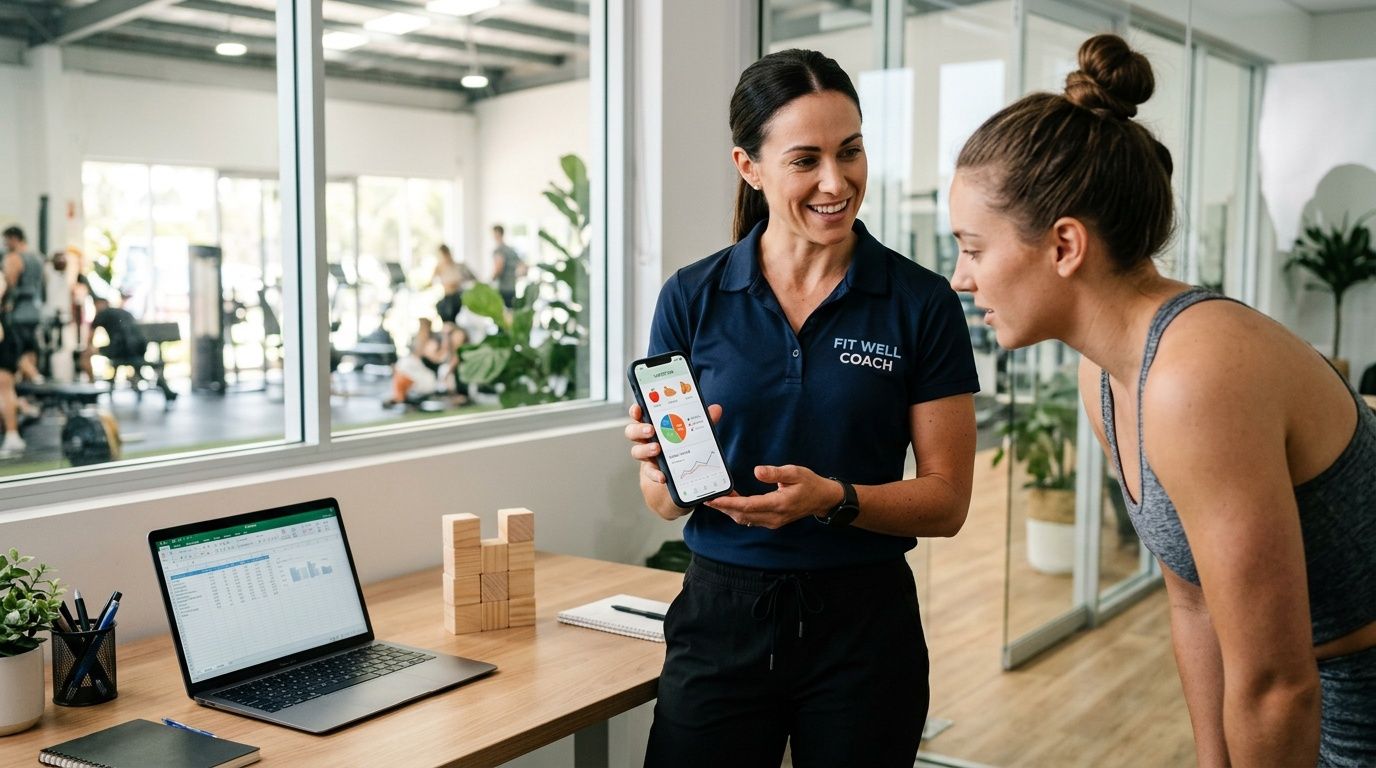
You're probably dealing with this already. A client sends a blurry screenshot of yesterday's food log at 10 PM, another uses a different app entirely, and a third says, “I tracked most of it.” You spend more time cleaning up nutrition data than coaching behavior around it.
This presents a core challenge with nutrition tracking app free tools for coaches. They're often good enough for the client to start logging, but they create a messy backend for the person trying to manage a roster. The app is free. Your time isn't.
Free nutrition apps still have a place. Some are excellent for building awareness, tightening compliance, and giving clients a low-friction starting point. But if you coach more than a handful of people, the workflow problems show up fast. The trick is knowing how to use free tools without letting them run your business.
Table of Contents
The Hidden Cost of 'Free' Nutrition Tracking
Where the real cost shows up
What Free Nutrition Apps Do Well and Where They Stop
What they do well
Where they stop for a working coach
How to Choose a Free App for Your Clients
Start with database quality
Look at what the client gets without paying
Check how the data leaves the app
Pay attention to friction and ads
Choose for your least tech-savvy client
Building a Cohesive Workflow Around Free Trackers
Standardize first
Build a reporting rule clients can actually follow
Use one review system on your side
Set communication boundaries
The Tipping Point When Free Apps Cost Your Business
The warning signs are operational first
Why better nutrition data still fails without a coaching system
When it makes sense to stop patching the problem
Your 24-Hour Action Plan for Nutrition Tracking
1. Audit your current nutrition admin
2. Pick one standard free app or admit you need more than free
3. Send a new reporting protocol to every active client
The Hidden Cost of 'Free' Nutrition Tracking
A free app usually doesn't fail on the client side first. It fails on the coach side.
You can make almost any consumer tracker work for one or two people. The problems start when your roster grows and each client logs differently, reports differently, and expects feedback through a different channel. That's when “free” turns into admin.

A lot of clients default to MyFitnessPal for a reason. Its free tier includes barcode scanning, meal logging, and basic nutrient breakdowns, and it offers access to over 20.5 million foods for free calorie and macro logging as of 2026 through MyFitnessPal's platform. Industry analyses also note that 80% of its user base never upgrades to premium, which explains why so many coaches inherit it whether they asked for it or not.
Where the real cost shows up
The hidden tax usually looks like this:
Manual cleanup: You read screenshots, decode meal names, and re-enter totals into your own notes or spreadsheet.
App switching: One client uses MyFitnessPal, another uses Cronometer, another uses MyNetDiary, and each reports differently.
Broken context: Food data sits in one place, training notes in another, check-ins in another, and progress photos somewhere else.
Delayed feedback: By the time you review the log, the useful coaching moment has passed.
Practical rule: If you're spending your energy collecting nutrition information instead of interpreting it, the workflow is upside down.
Free apps are still useful. They lower resistance for the client, and that matters. A client who wouldn't pay for tracking at all may still log consistently in a free app, which is far better than getting no data. But coaches often confuse client compliance with coach efficiency. They aren't the same thing.
Here's the simple truth. If your process depends on screenshots, memory, and patchwork admin, you don't have a nutrition system. You have a recurring cleanup job.
What Free Nutrition Apps Do Well and Where They Stop
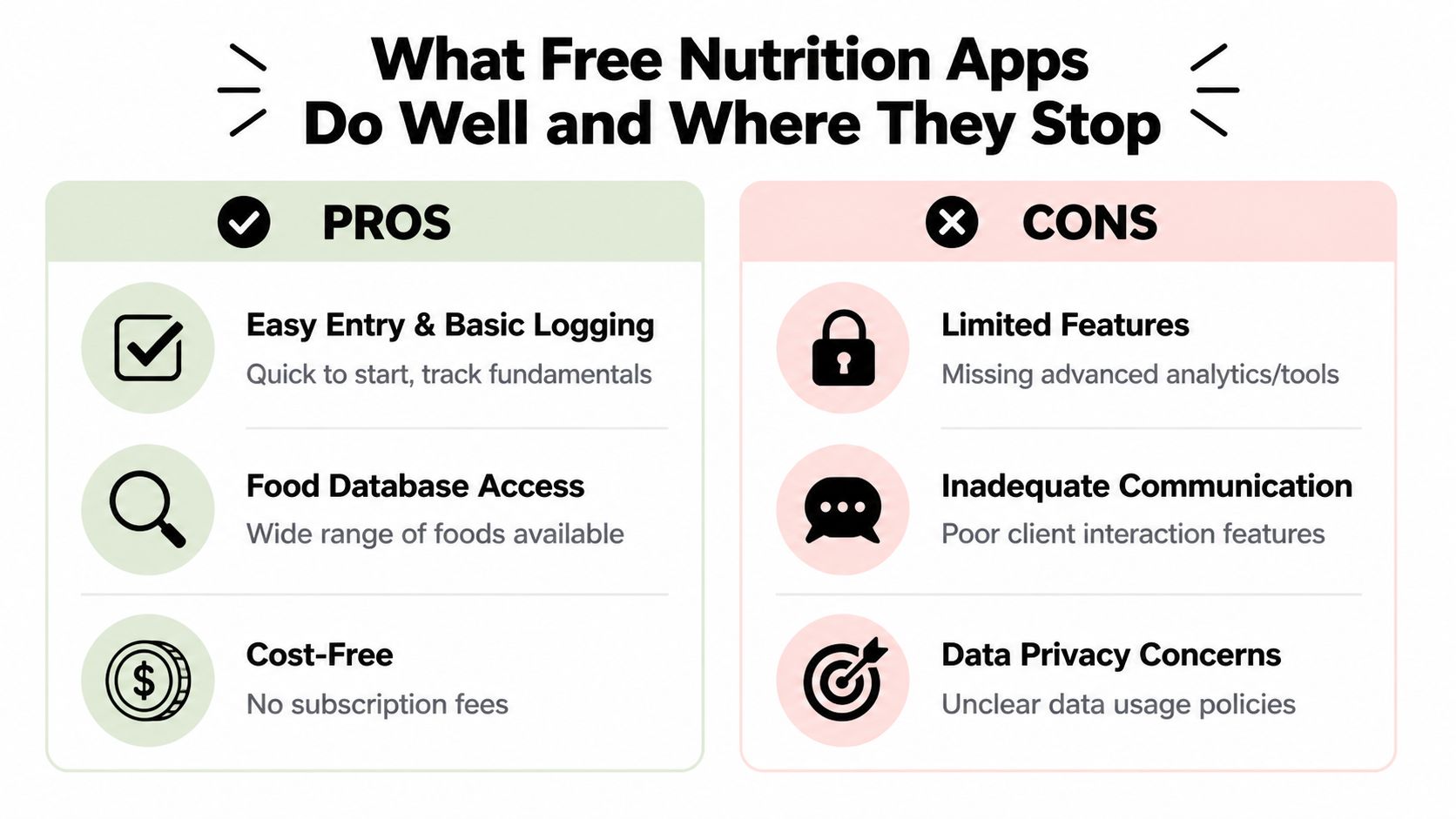
Free trackers are good at getting a client started. That shouldn't be dismissed. For many people, the first win is seeing how much they eat, how often they snack, and whether protein is showing up in the day.
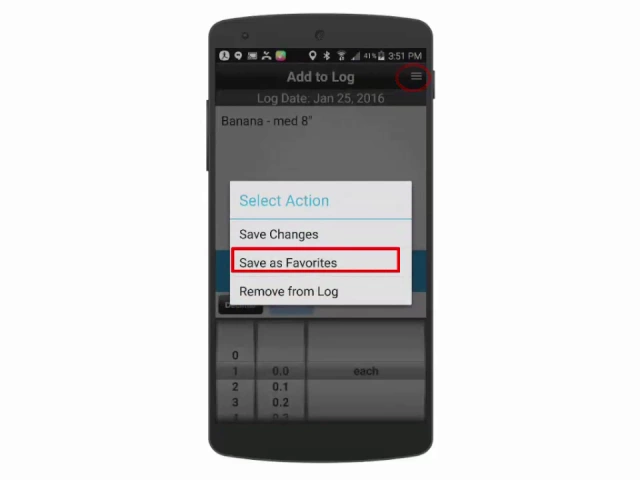
The better free options do a solid job with basic logging. Apps like Cronometer and MyNetDiary represent the high end of free tracking, with verified databases and tracking for up to 108 nutrients, and market data cited by Nutrisense's app review says free versions can cover 70-90% of an individual user's needs. That's a strong consumer offer.
What they do well
Free app strength | Why it matters in coaching |
|---|---|
Fast food entry | Barcode scanning and search reduce friction, which improves logging consistency. |
Basic calorie and macro awareness | Clients quickly see whether intake matches the target you gave them. |
Low barrier to start | No subscription means fewer objections during onboarding. |
Large food databases | Clients can usually find common foods without much effort. |
Independent use | Motivated clients can self-manage between check-ins. |
That's why free apps remain useful in early-stage coaching. If a client is new to food logging, the app doesn't need to be perfect. It needs to be simple enough that they'll use it.
Where they stop for a working coach
The gap is not logging. The gap is management.
Most free apps don't give you a clean coach-facing system for a roster. They weren't built for that. They were built for individual users. Once you're juggling more than a few clients, the missing pieces become obvious:
No central coach dashboard for seeing who logged, who missed, and who needs follow-up
No client profile context tying nutrition to goals, habits, progress photos, and training compliance
Weak communication flow because feedback happens by text, email, or DMs instead of inside the same workflow
Limited business functions like billing, scheduling, and check-ins living elsewhere
Inconsistent reporting because every client shares data in a slightly different way
Free trackers are usually good at data entry. They're usually bad at coach oversight.
That's the distinction a lot of consumer reviews miss. They ask whether a free app works for a person trying to count calories. They rarely ask whether it works for a coach trying to manage ten, twenty, or fifty different humans with different habits and different follow-through.
If you want a broader view of what a coach-facing software stack should cover beyond meal logging, this breakdown of the best personal trainer app categories is a useful reference point.
How to Choose a Free App for Your Clients
If you're going to use a nutrition tracking app free option in your coaching, don't let every client choose at random. Standardizing your recommendation cuts confusion immediately and improves the quality of the data you review.

Start with database quality
This matters more than most coaches think. The accuracy of nutrition databases varies a lot. Verified entries, such as those in Cronometer, can outperform user-submitted entries by 25-30% in micronutrient precision, and some crowd-sourced databases can underreport nutrients like sodium by over 20%, according to Good Housekeeping's review of food tracking apps.
If you coach body composition, blood pressure concerns, recovery, or appetite management, bad sodium data and messy food entries create bad decisions. You don't need perfect data, but you do need data that's directionally trustworthy.
Look at what the client gets without paying
Some apps look free at signup and then gate the useful parts. For coaching purposes, the client should be able to do these basics without hitting a wall:
Log food consistently
See calories and macros clearly
Use barcode scanning
Review previous days without confusion
Stay in the app without getting nagged into quitting
A free tier that's technically available but frustrating in daily use usually leads to partial logs and client drop-off.
Coaching note: The best free app isn't the one with the longest feature list. It's the one your average client will still use on a busy Wednesday.
Check how the data leaves the app
Before you recommend anything, test the reporting process yourself. Can the client export data? Can they share a diary view cleanly? Are you forcing them into screenshots?
Many coaches often get stuck at this stage. The app may work fine for self-use, but once the client has to hand the information to you, the process breaks down. If you're building nutrition as part of a paid coaching service, data handoff is not a minor detail. It is the workflow.
A useful companion read here is this guide on choosing a nutrition coach app for client management.
Here's a quick visual if you want a simple way to think about app choice with clients:
Pay attention to friction and ads
Ad-heavy apps can still work, but they tend to create one more annoyance between the client and consistency. If your client already resists logging, extra friction matters. An ad-free experience usually keeps the habit cleaner.
Choose for your least tech-savvy client
The right standard app is not the one your most data-driven client loves. It's the one your least organized client can use correctly.
That means looking for:
Clean search: Food lookup should be obvious.
Simple meal entry: Breakfast, lunch, dinner, snacks should be easy to understand.
Readable interface: Bigger text, clearer buttons, fewer hidden menus.
Accessible design: Icons, real food images, and easy scanning help clients who struggle with dense interfaces.
If your least tech-comfortable client can log well, your stronger clients will be fine too.
Building a Cohesive Workflow Around Free Trackers
Free apps get a lot more manageable when you stop treating them like a complete system and start treating them like one input inside your system.
A 2026 survey of 1,200 fitness coaches found that 42% struggle with client nutrition data sharing from free apps, with the main issue being the lack of simple export or sync, according to NCHPAD's accessibility resource on nutrition apps. That lines up with what most coaches already feel. The logging itself isn't the bottleneck. The transfer is.
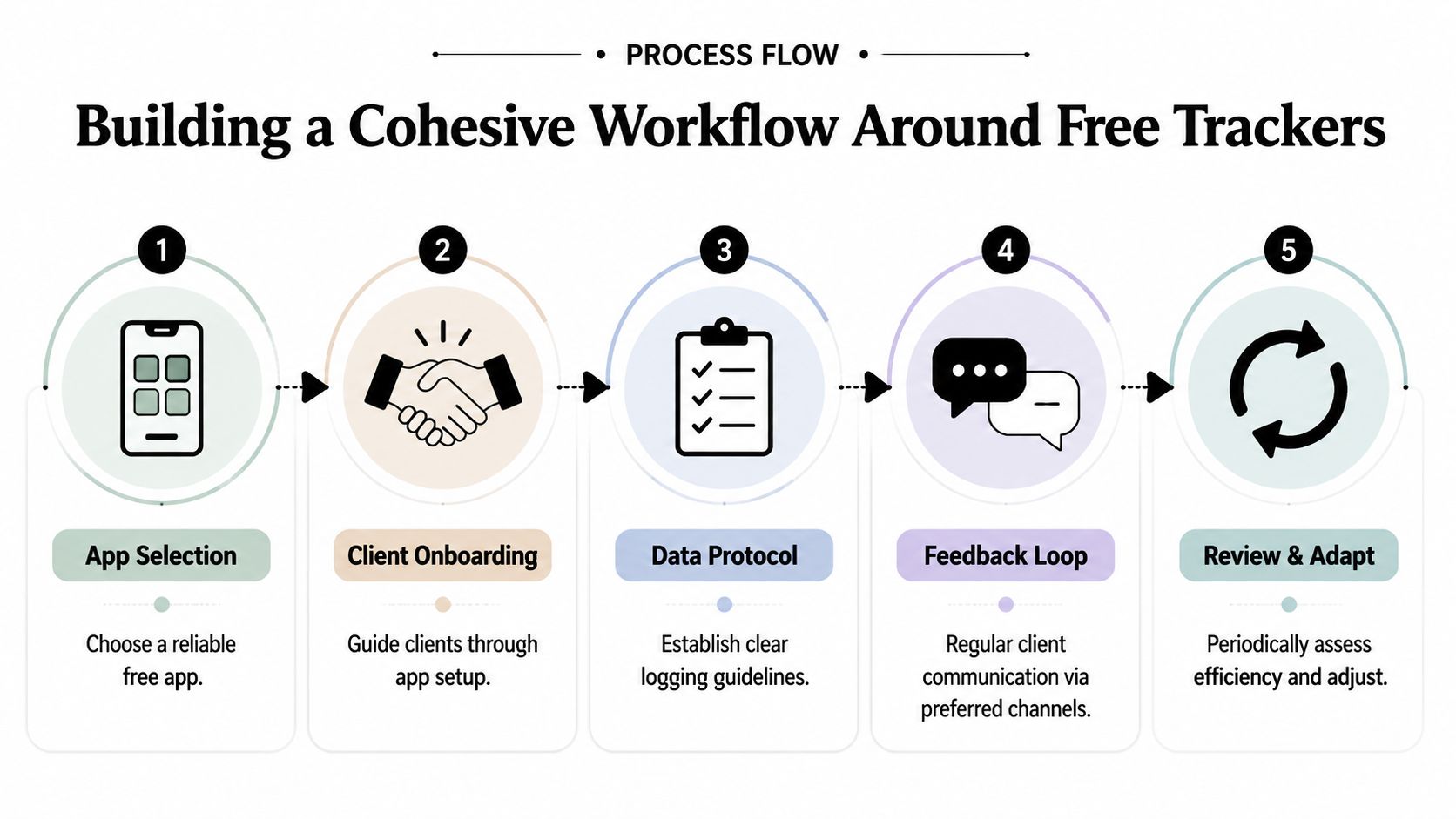
Standardize first
If clients can choose anything, your review process turns into translation work.
Pick one primary free app for new clients. Keep one backup option only for edge cases, such as accessibility needs or a client already invested in another system. Standardization reduces the number of moving parts before you do anything else.
Build a reporting rule clients can actually follow
Most coaches are too vague here. “Send me your food log each week” sounds fine until every client interprets it differently.
Use a simple rule set like this:
Submission day: Pick one day and one cutoff time.
Submission format: Shared diary view, export, or one specific screenshot format.
Minimum standard: Define what counts as a complete logging week.
Missed logging rule: Tell clients what to do if they miss a meal or a day.
If the reporting rule needs explanation every week, it's too complicated.
Use one review system on your side
Even if the client uses a free tracker, you need one place where you review and compare information. For some coaches, that's a spreadsheet. For others, it's a dedicated coaching platform. The key is that your side stays consistent.
A simple review table might include:
Client | Logging consistency | Average calories or macro trend | Key issue | Next action |
|---|---|---|---|---|
Client A | Strong | Near target | Weekend drift | Add Friday planning prompt |
Client B | Partial | Protein low | Missed lunches | Build default lunch options |
Client C | Inconsistent | Unclear | Incomplete logs | Reset tracking expectations |
That alone cuts mental clutter. You stop reopening five apps to remember what happened.
If you want to see how experienced coaches structure client systems beyond food logs alone, this roundup of top nutrition coaches is worth reviewing.
Set communication boundaries
Free tracking falls apart fast when nutrition feedback is scattered across text, Instagram, email, and voice notes.
Set boundaries that protect your attention:
Feedback window: Tell clients when nutrition feedback happens.
Approved channel: One place for check-in questions.
Emergency definition: Make it clear what needs same-day response.
Scope line: Logging corrections are one thing. Full daily analysis by text is another.
This isn't about being rigid. It's about keeping the coaching service usable for everyone on your roster, including you.
The Tipping Point When Free Apps Cost Your Business
There comes a point where patching together free tools stops being frugal and starts being expensive.
This usually doesn't show up as one dramatic failure. It shows up as slower check-ins, delayed replies, sloppier analysis, and the feeling that nutrition support is taking more effort than it should. You keep the system because no single part is broken enough to force a decision. But the combined drag is real.

The warning signs are operational first
You don't need a complicated formula to spot the tipping point. Look for these signs:
You dread nutrition check-in day because it means admin more than coaching.
You're copying data manually from screenshots or exports into another system.
Clients ask the same reporting questions repeatedly because the process isn't clear.
You miss patterns because nutrition, training, and progress live in separate places.
Your service quality varies by client based on how easy their app is to review.
That last one matters. If one client gets sharper feedback because their diary is easier to read, your system is driving the coaching quality.
Why better nutrition data still fails without a coaching system
MyNetDiary's free tier is a good example of how strong free tracking can be. Its ad-free free version includes a staff-verified database of over 2 million foods and tracks up to 108 nutrients, and its precision can correlate with 12% faster fat loss in trials versus imprecise apps, according to MyNetDiary.
That sounds great. And for individual tracking, it often is.
But for a coach, detailed data only helps if it connects to the rest of the client picture. If you can't easily tie nutrition patterns to adherence, training output, sleep, habits, body weight trends, and check-in notes, then richer food data often becomes one more thing to sift through. More detail without better workflow is not always better coaching.
Better tracking data helps the client. Better systems help the coach use it.
When it makes sense to stop patching the problem
The tipping point is usually here when any of these are true:
Your admin is bleeding into coaching time. If nutrition review consistently eats hours you wanted for programming, sales, or client conversations, the free stack is costing you.
Your roster is growing and the process gets worse, not better. A system that works for a few clients can become chaotic fast.
You need one record per client. Once coaching includes habits, progress photos, scheduling, notes, messaging, and payments, stitched-together tools start fighting each other.
Your current software trust is low. Many coaches have already been burned by platforms with prices that climb without warning, buggy releases, or support teams that stop listening after an acquisition.
That's why more coaches eventually move from consumer food apps plus spreadsheets to a proper coaching system. Not because free trackers are useless, but because they were never built to run the business side of coaching.
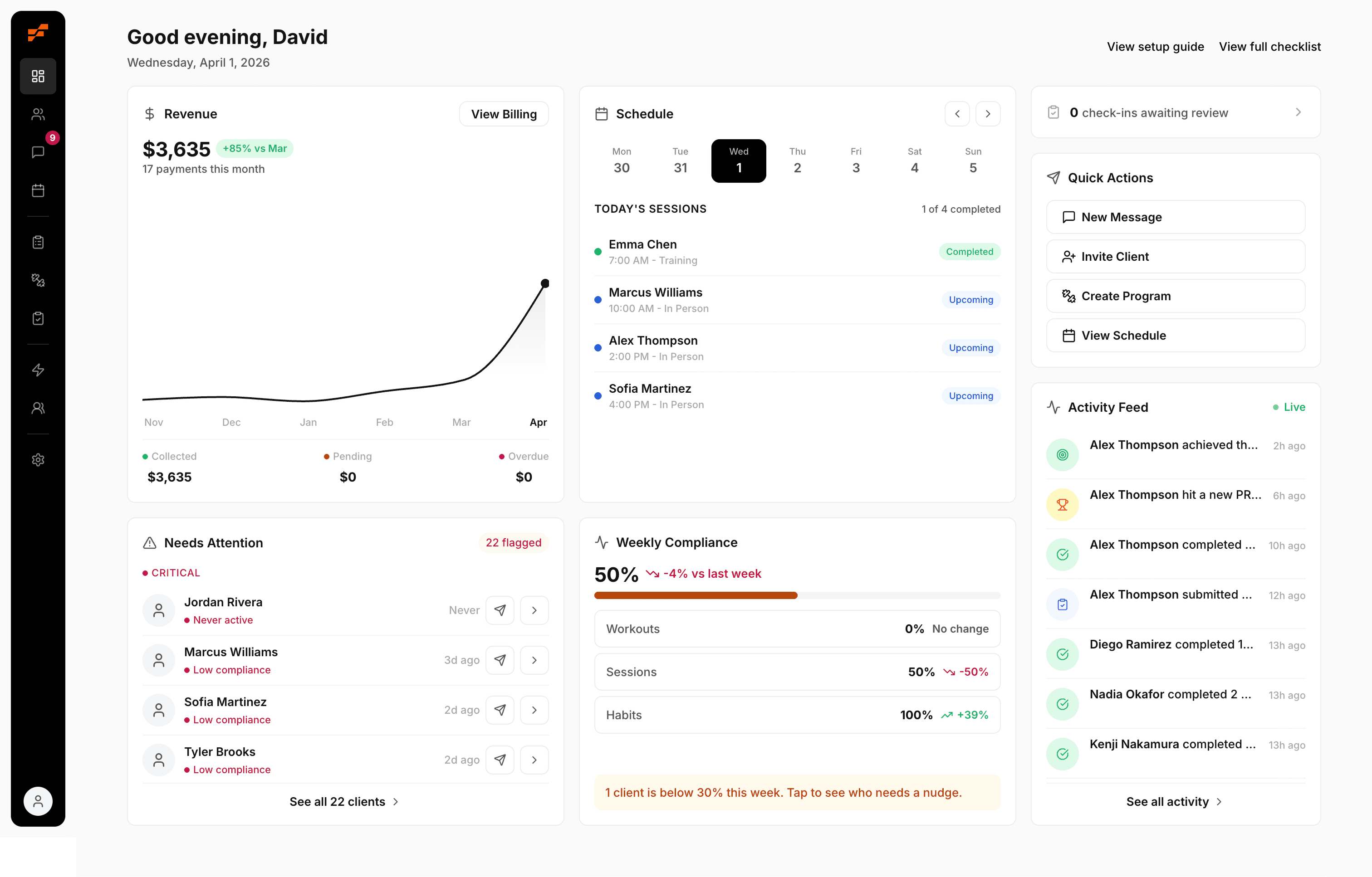
If you're comparing the cost of continuing to patch your process against switching to something built for client management, review FitCentral pricing. It was co-founded by David Spitdowski, a practicing personal trainer, which matters because this exact workflow headache is the kind of problem only a working coach bothers to solve properly.
Your 24-Hour Action Plan for Nutrition Tracking
You don't need a total rebuild today. You need clarity by tomorrow.
Here's the checklist.
1. Audit your current nutrition admin
For one day, track every minute you spend on nutrition outside actual coaching analysis. Count screenshot review, follow-up messages, spreadsheet entry, chasing missing logs, and app switching.
Don't estimate loosely. Write it down as it happens.
2. Pick one standard free app or admit you need more than free
If you're staying with a nutrition tracking app free workflow for now, choose one primary app for all new clients. Then write one sentence explaining why you chose it. That forces you to be clear on what matters most, whether that's verified data, ease of use, or lower friction.
If you're already seeing constant workflow drag, stop pretending more organization alone will fix it.
3. Send a new reporting protocol to every active client
Keep it short and specific. Include:
Which app to use
When to submit logs
How to submit them
What counts as complete tracking
When they should expect feedback
If you want to make compliance easier right away, pair that protocol with a short food structure guide or this practical article on macro-friendly food choices so clients have fewer decisions to make during the week.
The coaches who get the best nutrition data usually aren't the ones with the smartest spreadsheet. They're the ones with the clearest process.
If your audit shows that free tracking is creating more admin than coaching, it's time to clean up the whole workflow, not just the food log. FitCentral gives you client profiles, messaging, habits, progress tracking, programming, scheduling, and payments in one reliable place, so nutrition support fits into your coaching instead of living in screenshots and spreadsheets.
See also


Ready to stop fighting your software?
FitCentral gives you everything you need to manage clients, deliver results, and grow your business. Sign up today.